Laptops, tablets, and smaller computers—clearly compared.
Start with how and where you work. Then compare portability, software compatibility, battery needs, ports, repairability, and total setup cost without getting buried in model numbers.
Choose the form factor around the job
Balanced and familiar
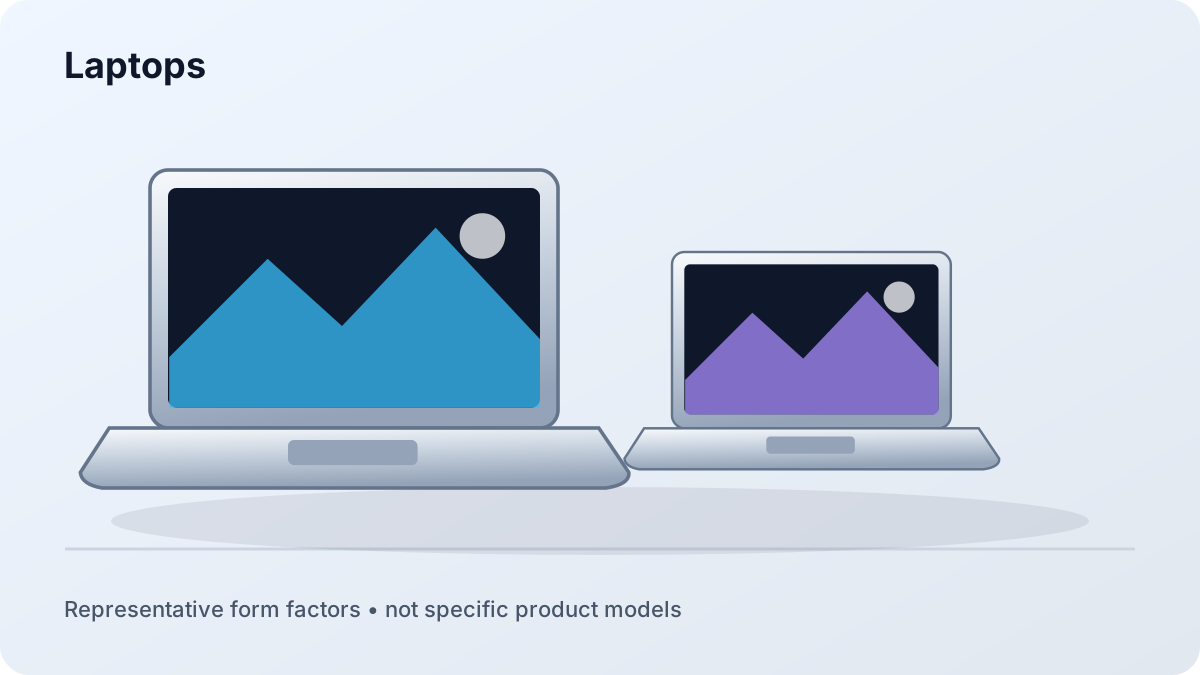
Laptops
Best when you need a built-in keyboard, desktop-class applications, broad accessory support, and one device that travels.
Work, school, creative tools, and general computing
Windows, macOS, ChromeOS, and Linux choices
Wide range of screen sizes, ports, and performance levels
Original illustrations show representative computer types, not specific product models. Follow each guide for configuration and compatibility checks.
Quick comparison
Type
Strongest fit
Main tradeoff
Check first
Laptop
All-purpose work and school
Repair and upgrade options vary
Software, memory, ports, and keyboard comfort
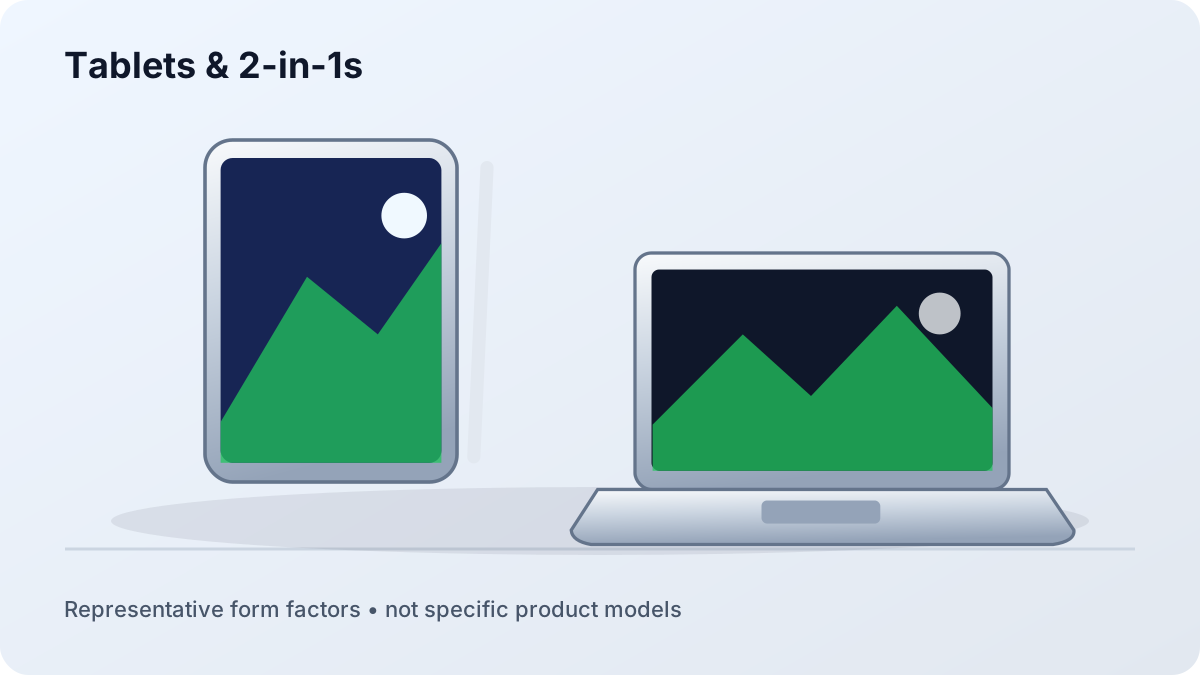
Tablet / 2-in-1
Touch, pen, reading, and mobility
Desktop app and accessory limits
App support and total accessory cost
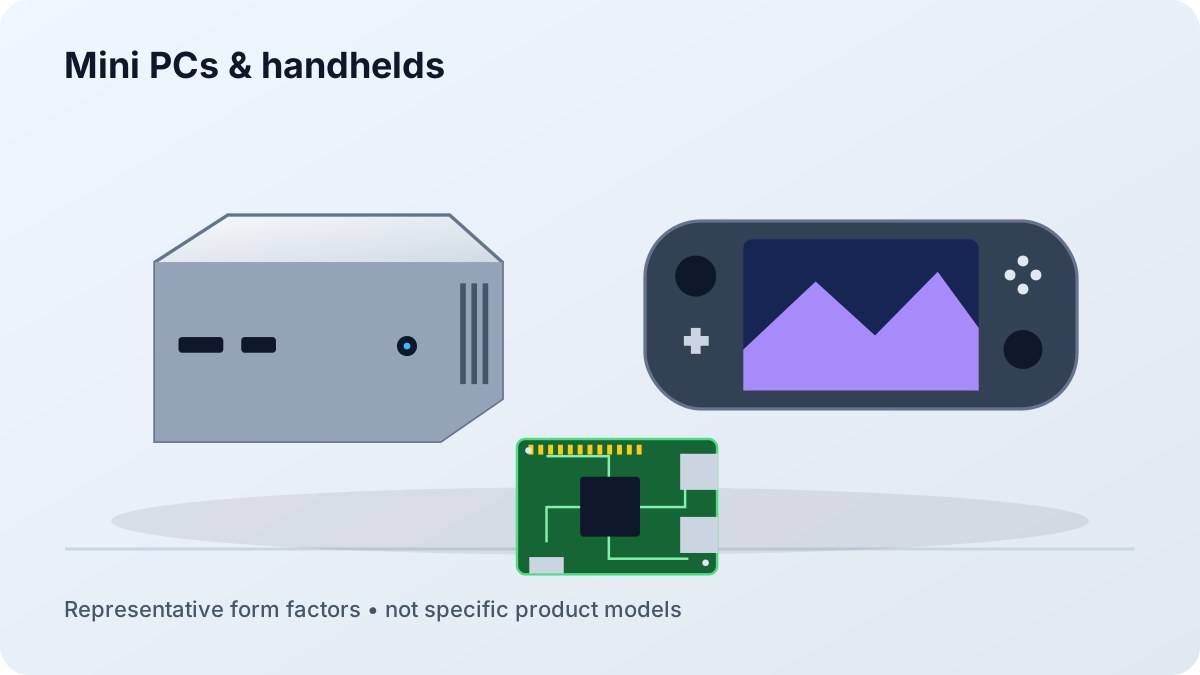
Mini PC
Small desk, media, home lab
No built-in display or battery
Included memory/storage and display support
Handheld PC
Portable games and compact computing
Small screen and controls
Game compatibility, battery, and ergonomics
Portable computer or desktop system?
Choose portable when location changes often
A laptop or tablet combines the display, battery, camera, speakers, and input devices. That convenience matters for classes, travel, field work, hybrid work, and small spaces—even when some components are harder to replace or upgrade.
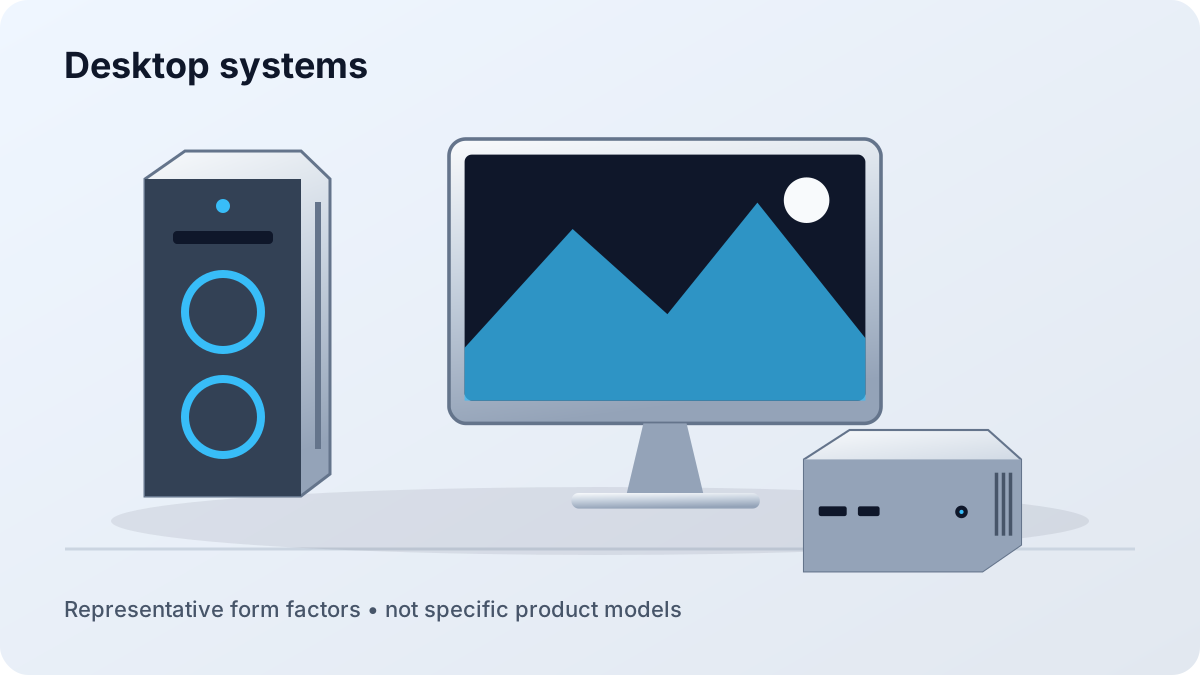
Choose desktop when the workspace is stable
A desktop can prioritize sustained performance, quieter cooling, larger displays, repair options, and a longer upgrade path. Remember to include the monitor, keyboard, camera, speakers, and backup power in the complete budget.
 Balanced and familiar