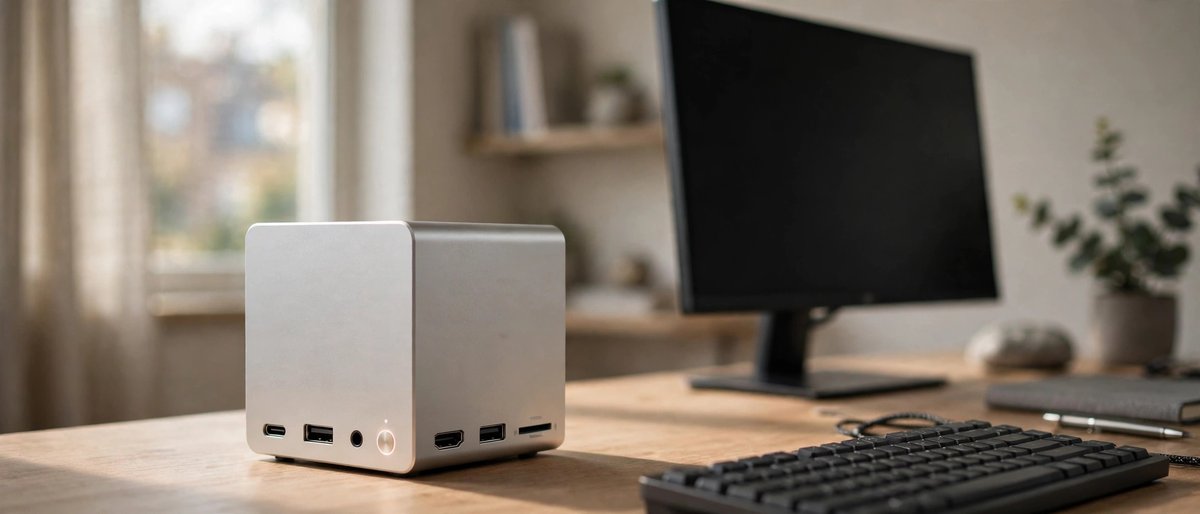
MINISFORUM AI X1 Pro Mini PC
Ryzen AI 9 HX 370 | Compact AI PC
A space-saving choice for AI-assisted productivity, coding, office work, and smaller local models without building a full desktop.
Shop AI Mini PCsRun large language models locally on your own hardware to reduce reliance on cloud services and keep prompts on your device when the software is configured for offline use. Privacy depends on the software, telemetry settings, and device security. Performance varies with the model, hardware, and workload; local use can avoid cloud subscription fees, but hardware, electricity, and some software may still cost money.
Running language models locally depends primarily on VRAM (Video RAM). If a model fits entirely into your GPU memory, token generation speeds soar. If it spills over into system RAM via CPU offloading, speeds drop significantly.
| GPU VRAM Tier | Optimal Model Size | Performance Expectation |
|---|---|---|
| 12GB - 16GB VRAM | 7B to 8B Models (Q4 to Q8 Quantization) | Blazing fast interactive speeds for general tasks & light coding. |
| 24GB VRAM (e.g., RTX 3090/4090) | 14B to 32B Models (Q4 to Q5 Quantization) | The sweet spot for advanced reasoning, complex coding, and local agents. |
| 48GB+ VRAM (Dual GPU) | 70B+ Models (Quantized) | Local model inference for demanding workloads; response times vary with model size, available memory, prompt length, and software configuration. |
These purchase-ready picks cover the parts that matter most for local AI: VRAM, system memory, fast model storage, stable power, and cooling. Amazon search links are used so shoppers can compare current sellers, configurations, and availability.
A space-saving choice for AI-assisted productivity, coding, office work, and smaller local models without building a full desktop.
Shop AI Mini PCs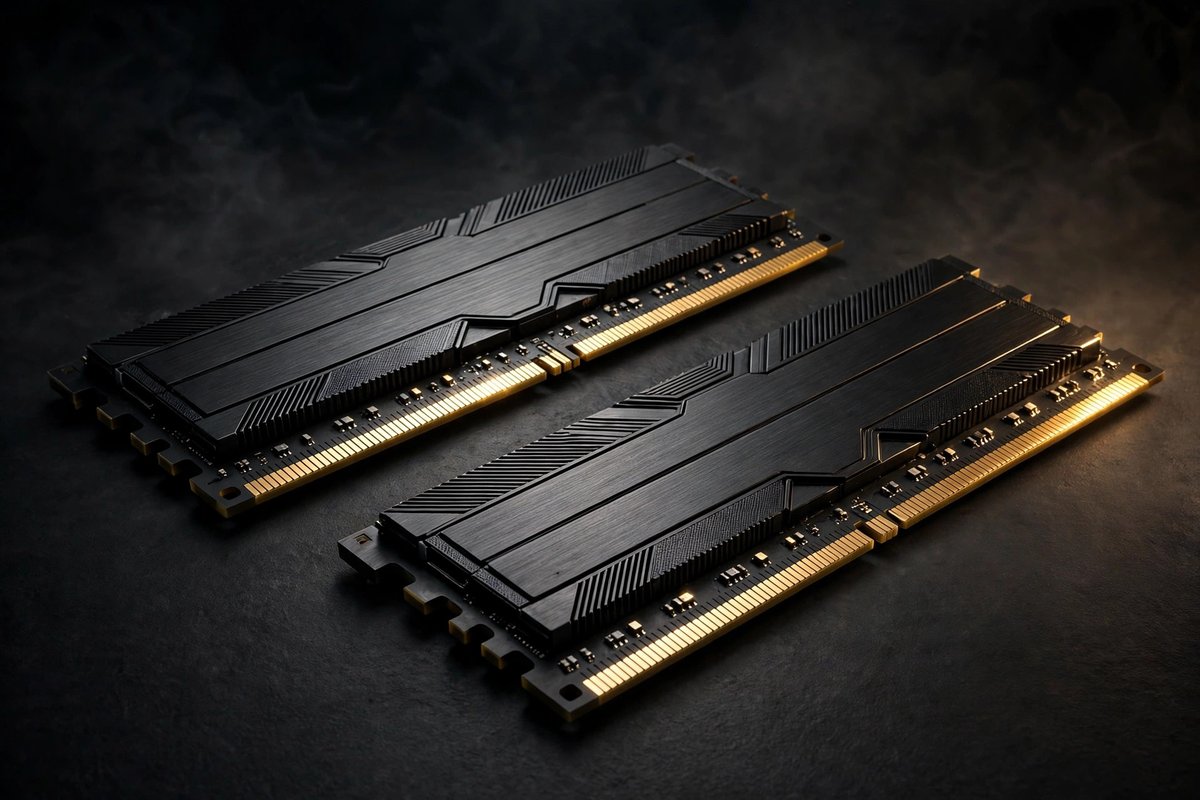
More system memory gives CPU-offloaded models, coding tools, containers, and multitasking room to work. Confirm motherboard compatibility before ordering.
Shop 64GB Memory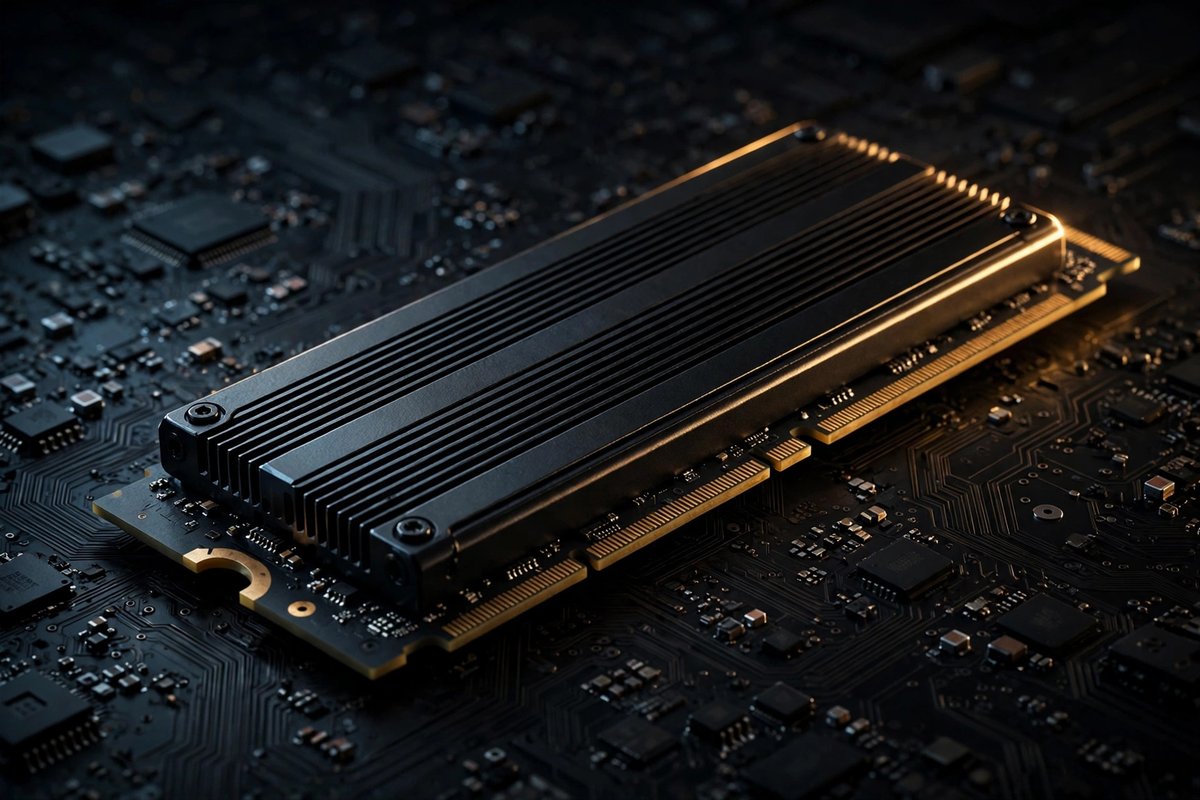
Fast, roomy storage for model files, vector databases, datasets, and development projects that can quickly consume a smaller drive.
Shop 4TB SSDs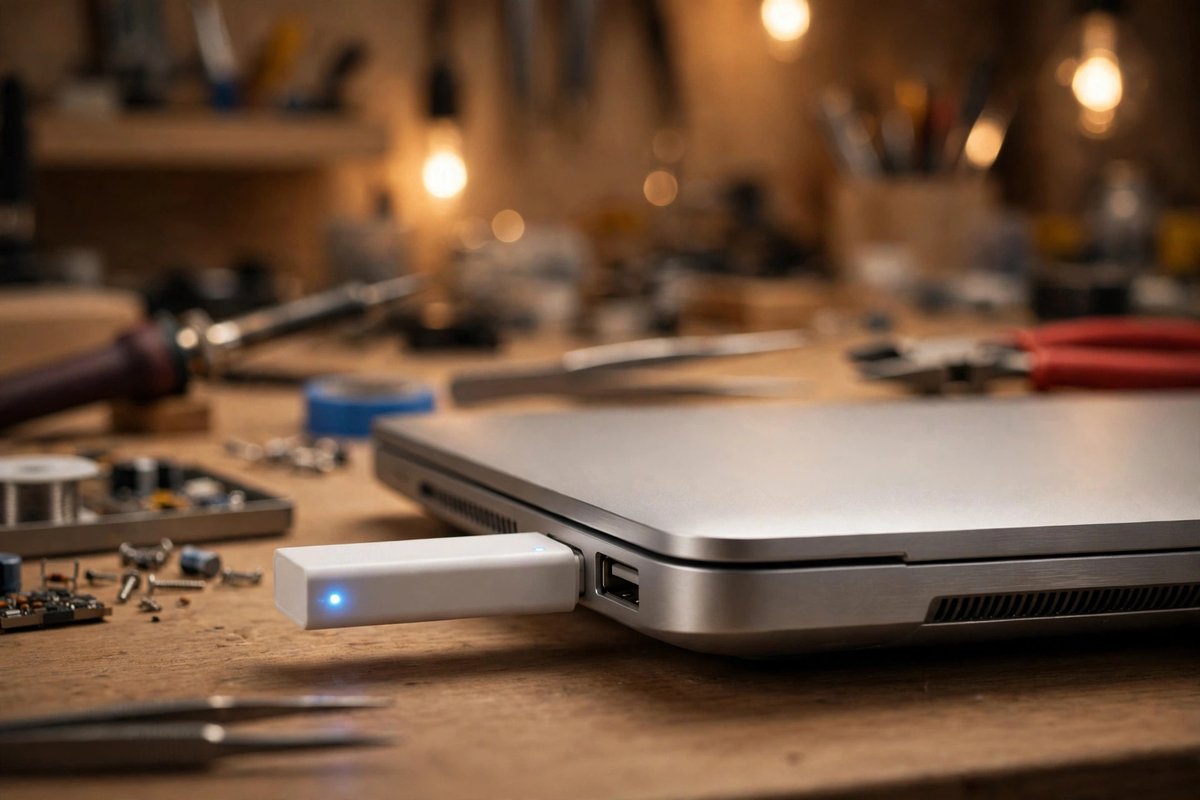
A specialized accelerator for compatible TensorFlow Lite vision and edge-AI projects. It complements a local AI lab but is not a replacement for a high-VRAM GPU.
Shop Edge AI Add-Ons
A practical entry point for fast 7B–14B model work, image generation, and AI-assisted coding when 24GB-class pricing is out of reach.
Compare 16GB GPUs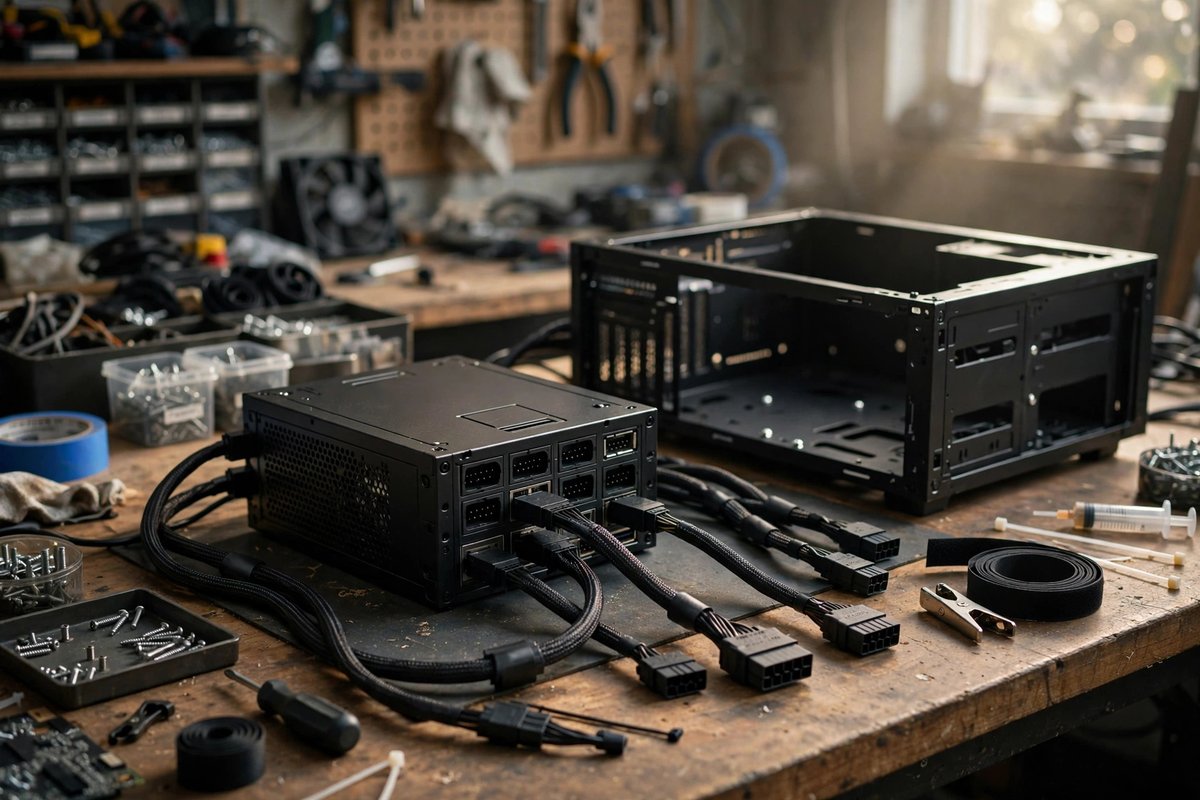
A modern high-wattage foundation for demanding GPUs. Buyers should verify their exact graphics card, connector, and system power requirements.
Shop 1000W PSUs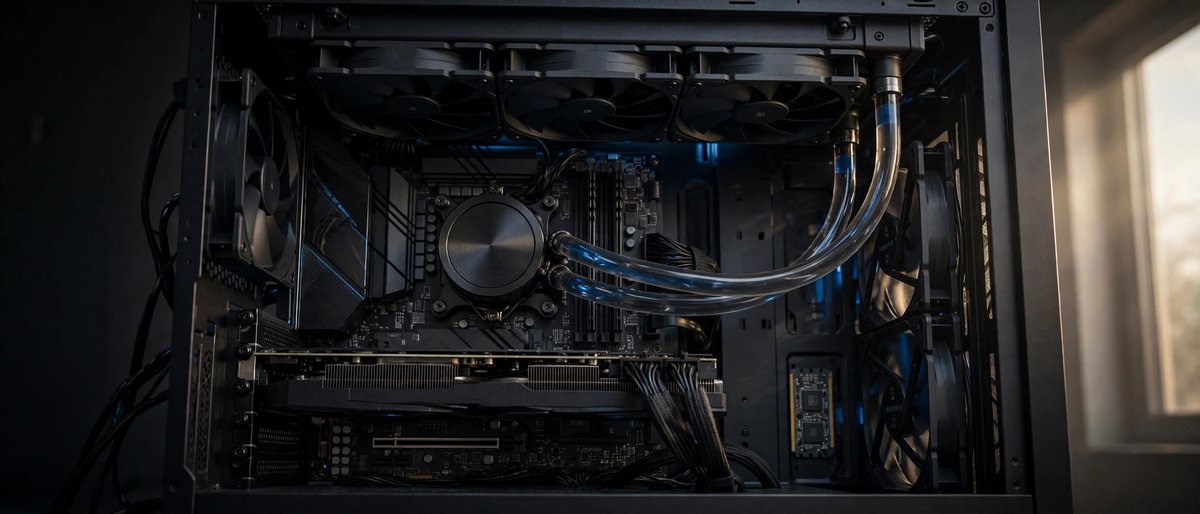
Sustained inference and compiling can keep a powerful CPU busy. A large cooler helps control heat and noise when the case supports it.
Shop 360mm Cooling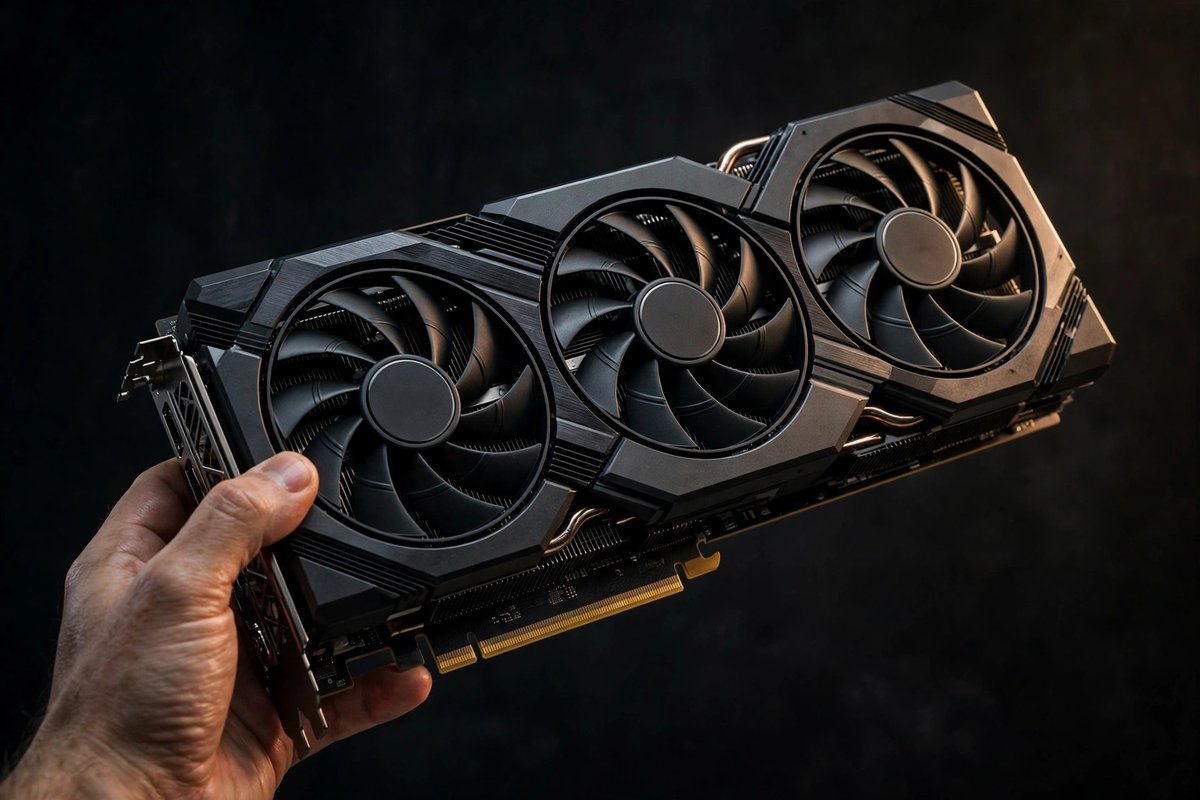
Still a strong fit for larger quantized models and heavy creative AI workloads when a reputable seller offers better value than newer flagship cards.
Compare 24GB GPUs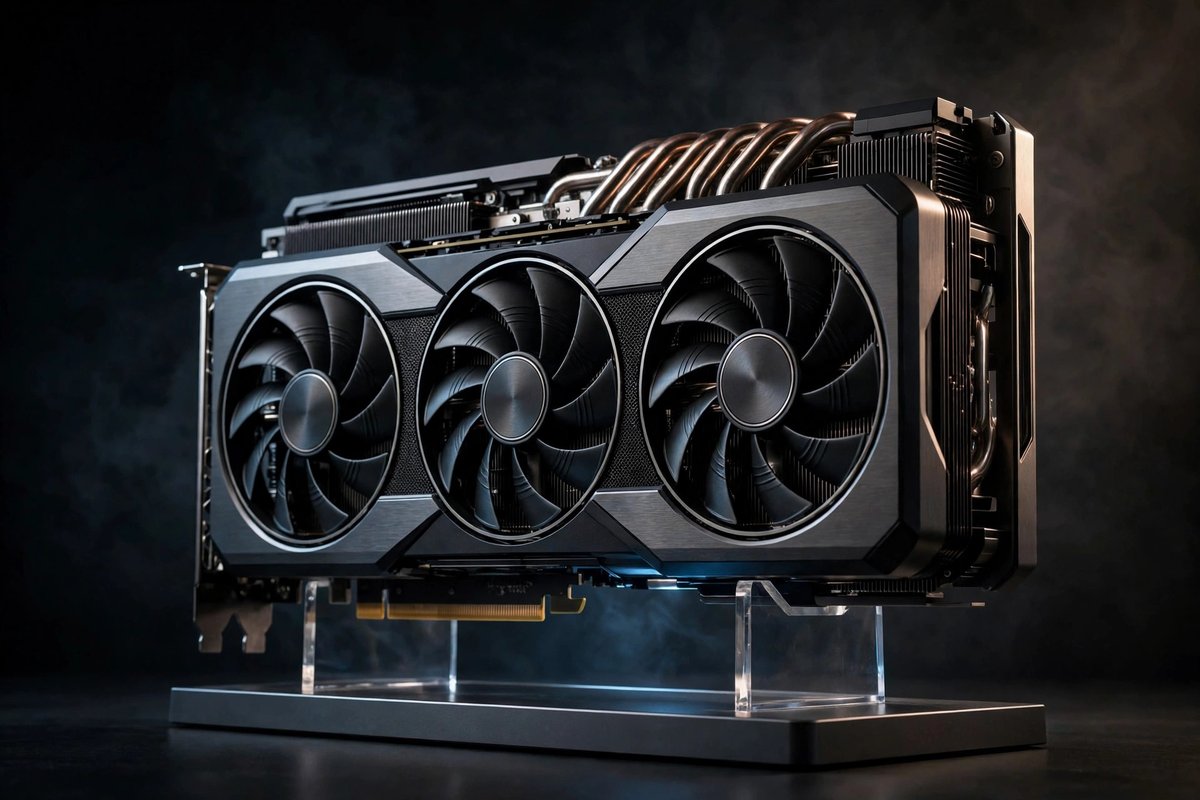
More VRAM gives advanced users additional room for larger models, longer context, image generation, and demanding local AI workflows.
Compare 32GB GPUs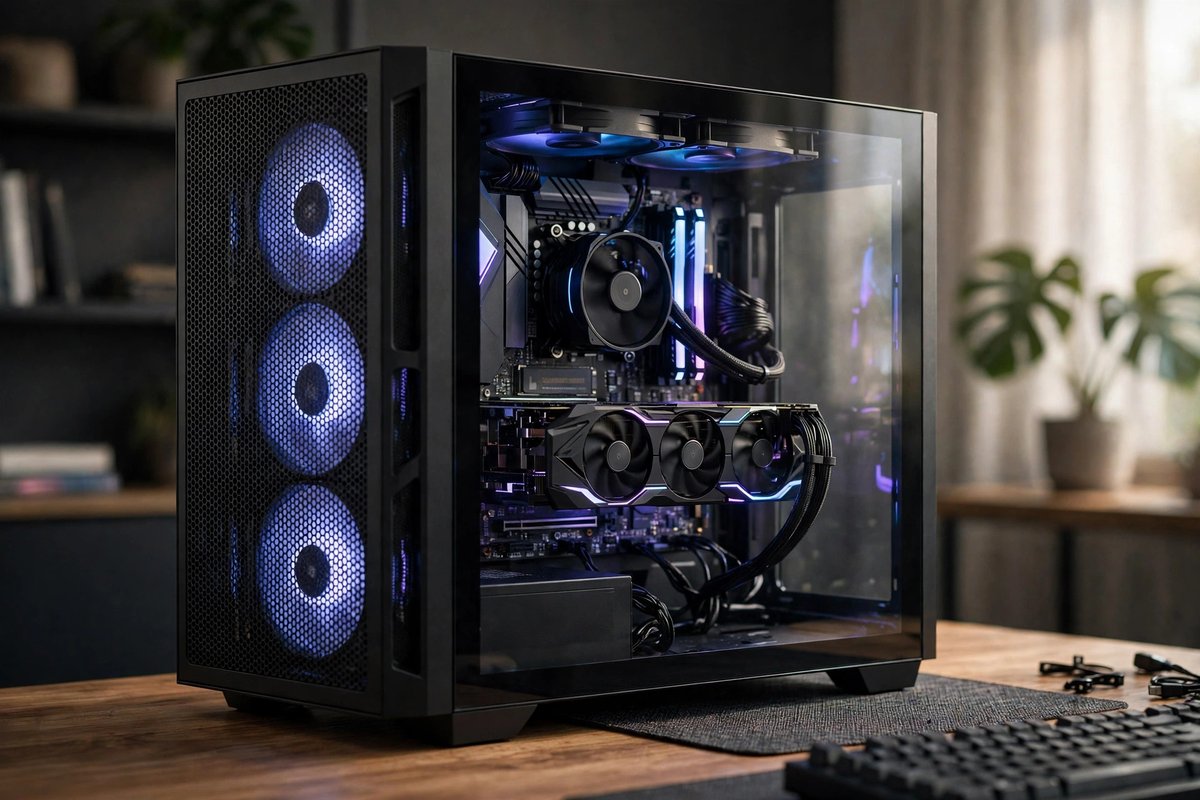
Large AI builds need GPU clearance, cable room, and strong ventilation. Always compare case dimensions with the selected card and radiator.
Shop Full-Tower Cases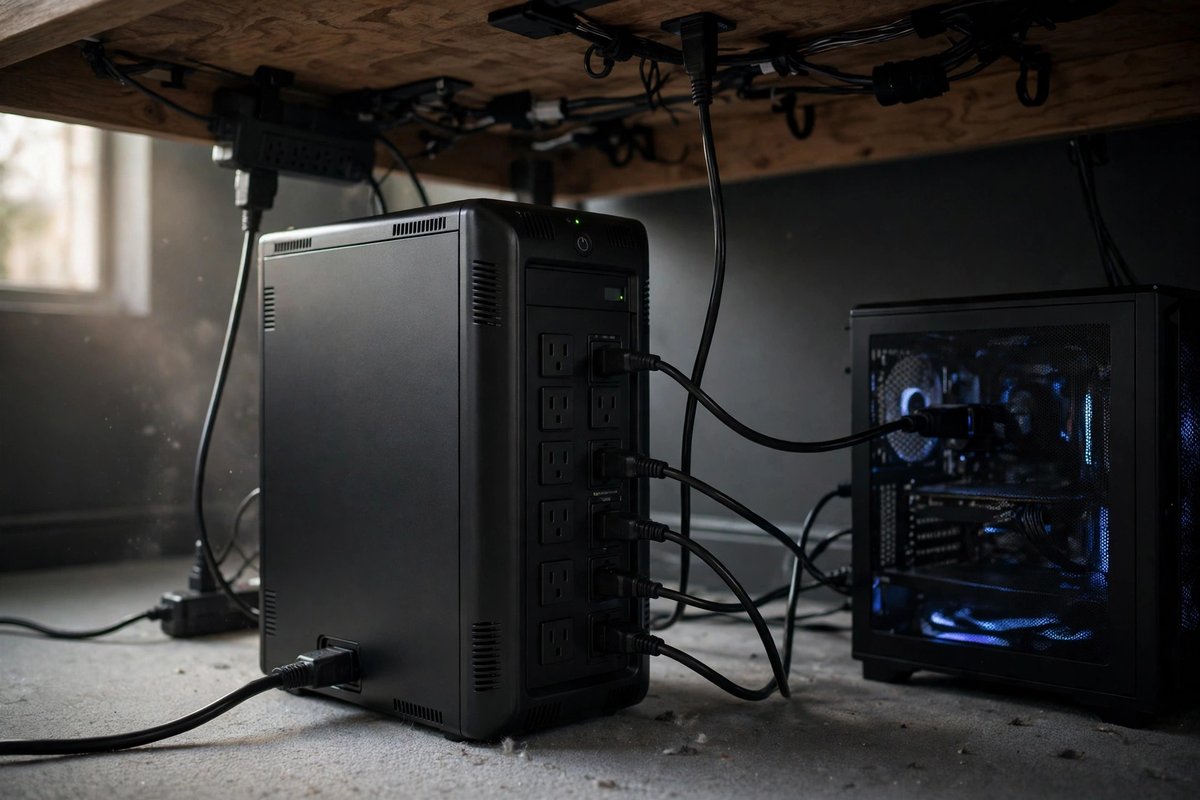
A battery backup can protect an expensive workstation from short outages and unstable power long enough to save work and shut down safely.
Shop Battery BackupsTwo essential tools anchor a high-performance local AI stack:
Ollama runs quietly in the background as a local server, exposing an API compatible with OpenAI endpoints. It manages model downloads, context windows, and hardware acceleration seamlessly.
Quick commands: ollama run llama3 or ollama run codellama
Visit the official Ollama site →
Check High-VRAM GPUs on AmazonA desktop application for browsing model repositories, testing custom system prompts, inspecting hardware utilization, and hosting a local OpenAI-compatible server with a clean chat interface.
When developing security tools, automation scripts, and HTML/JS frontends, a dedicated interface can connect to locally hosted models and help keep prompts and code on your device. This depends on your configuration: cloud model connections, web search, integrations, or telemetry may send data to third-party services, so review those settings before working with sensitive information.
Compare 8GB, 12GB, 16GB, and 24GB+ VRAM tiers before choosing a graphics card.