Home › Computers Computer buying-guide hub Computers & Mini PCs Compare portable computers and desktop systems by software compatibility, mobility, performance, repairability, accessories, and complete setup cost.
Updated September 13, 2026
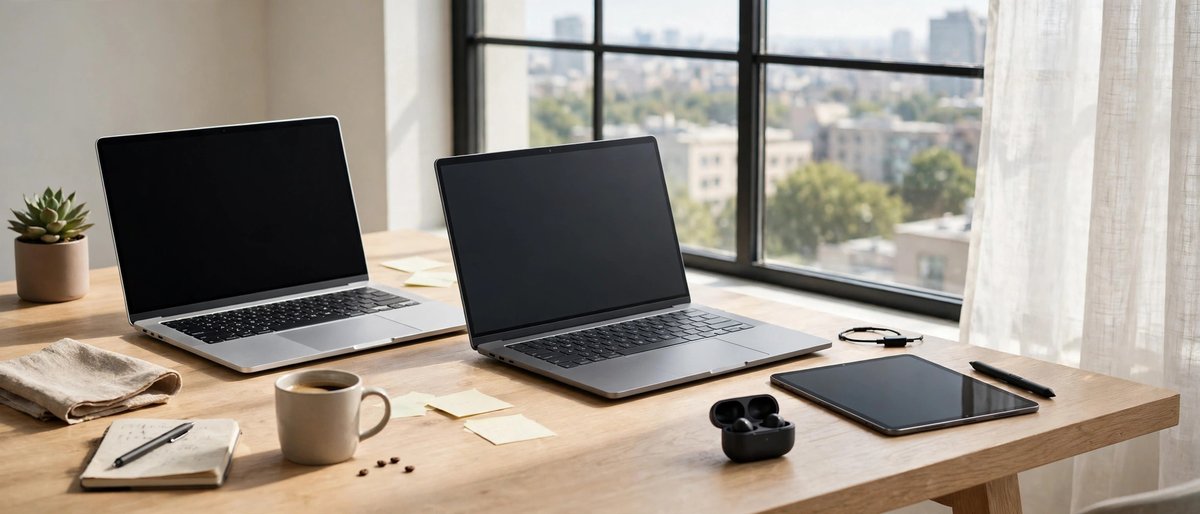
Choose the computer family first Portable Computers Best when the computer must travel, run on battery, or combine the display, keyboard , camera, speakers, and pointing device in one package.
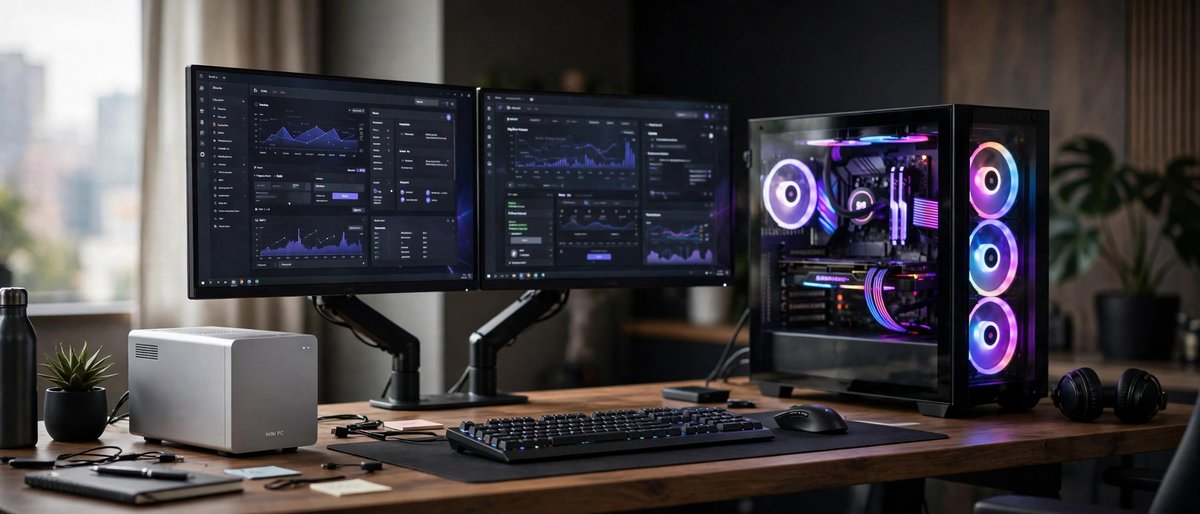
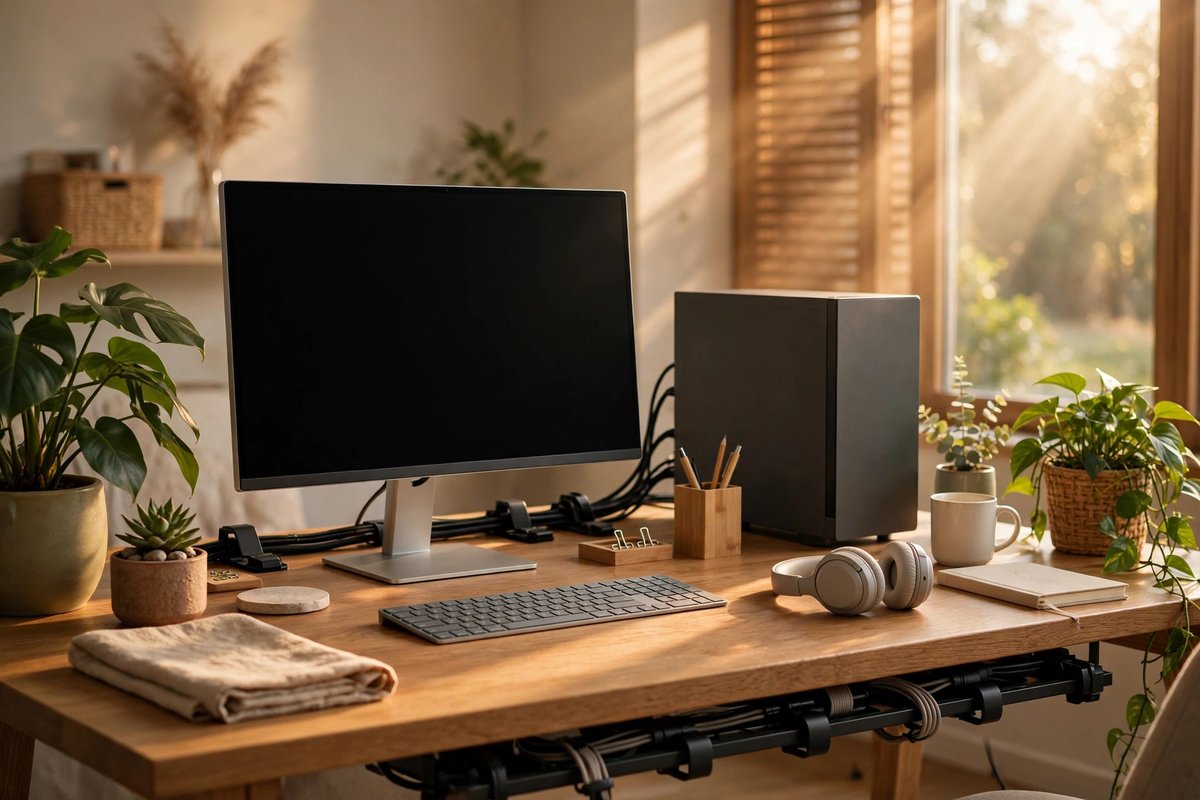
Laptops for general work, school, creative tools, and gaming Tablets and 2-in-1s for touch, pen, reading, and field work Mini PCs and handhelds for compact or specialized setups Explore Portable Computers → Desktop Systems Best when the workspace stays put and sustained performance, larger displays, quieter cooling, easier repair, or future upgrades matter more than battery power.
Windows desktops for broad software and gaming compatibility Apple desktops for macOS workflows and compact integration Linux and alternative systems for control, learning, servers, and focused jobs Explore Desktop Systems → Original illustrations show representative computer types, not specific product models. Follow each guide for configuration and compatibility checks.
Portable versus desktop: quick decision table Need Portable fit Desktop fit Question to answer Daily travel Strong Weak Will the system leave the desk every week? Sustained performance Varies by cooling Usually stronger Will long renders, models, games, or builds run for hours? Repair and upgrades Often limited Varies from modular to sealed Which parts must remain replaceable? Complete setup cost Core accessories included Display and inputs often separate What must be purchased beyond the computer?
Start with software. List the applications, games, peripherals, accounts, accessibility tools, and file formats that must work. Hardware only becomes a good value when the complete workflow fits.