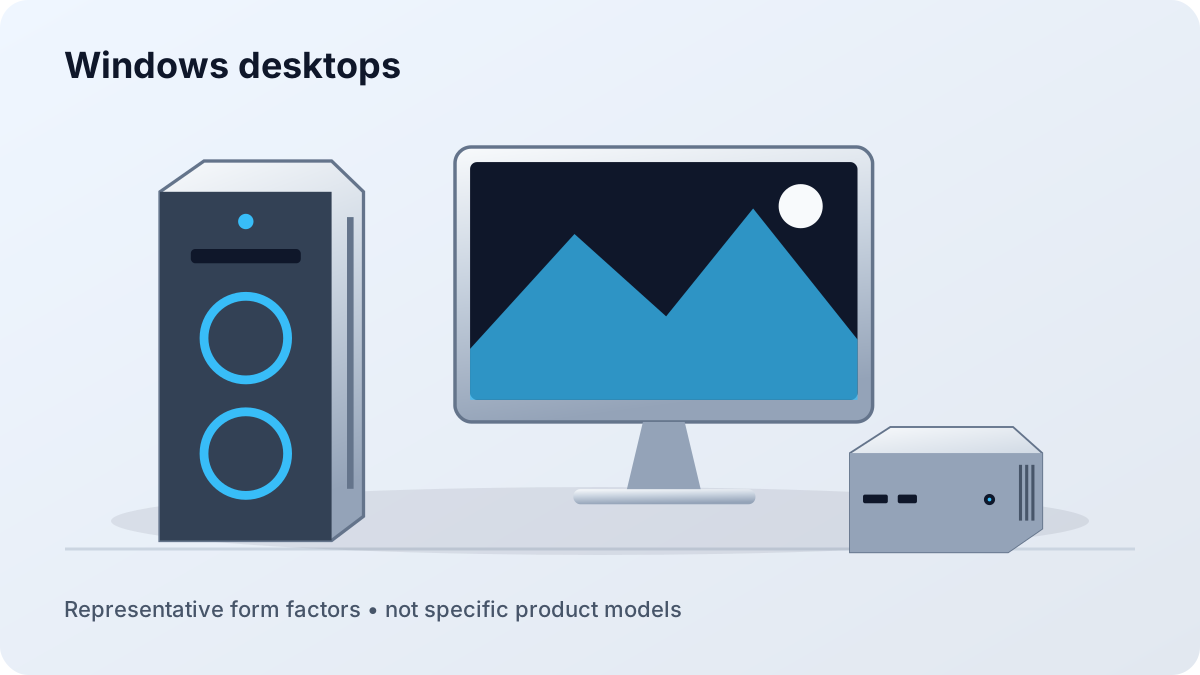
Windows Desktops
Broad application, peripheral, and gaming support with choices ranging from compact office PCs to modular towers and performance workstations.
Open the Windows Guide →Compare Windows, Apple, Linux, and alternative desktop systems by software fit, performance, repairability, support, expansion, and complete setup cost.
Broad application, peripheral, and gaming support with choices ranging from compact office PCs to modular towers and performance workstations.
Open the Windows Guide →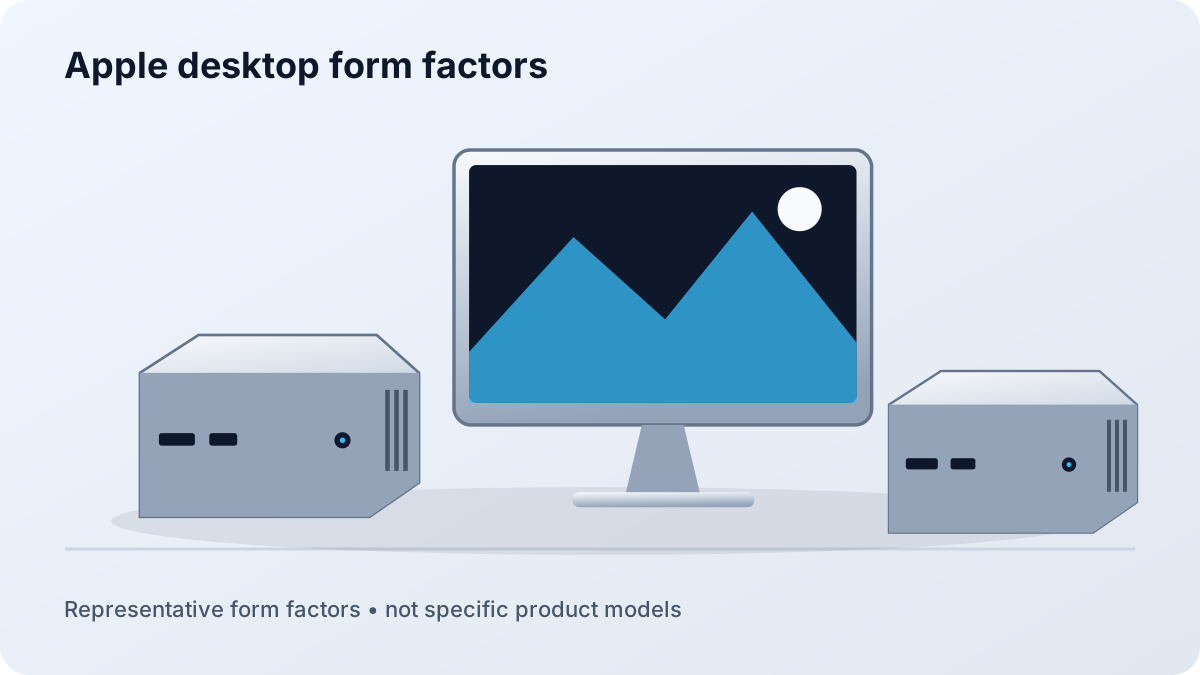
Mac mini, iMac, and Mac Studio choices built around macOS, Apple silicon, unified memory, external displays, and long-term storage planning.
Open the Apple Guide →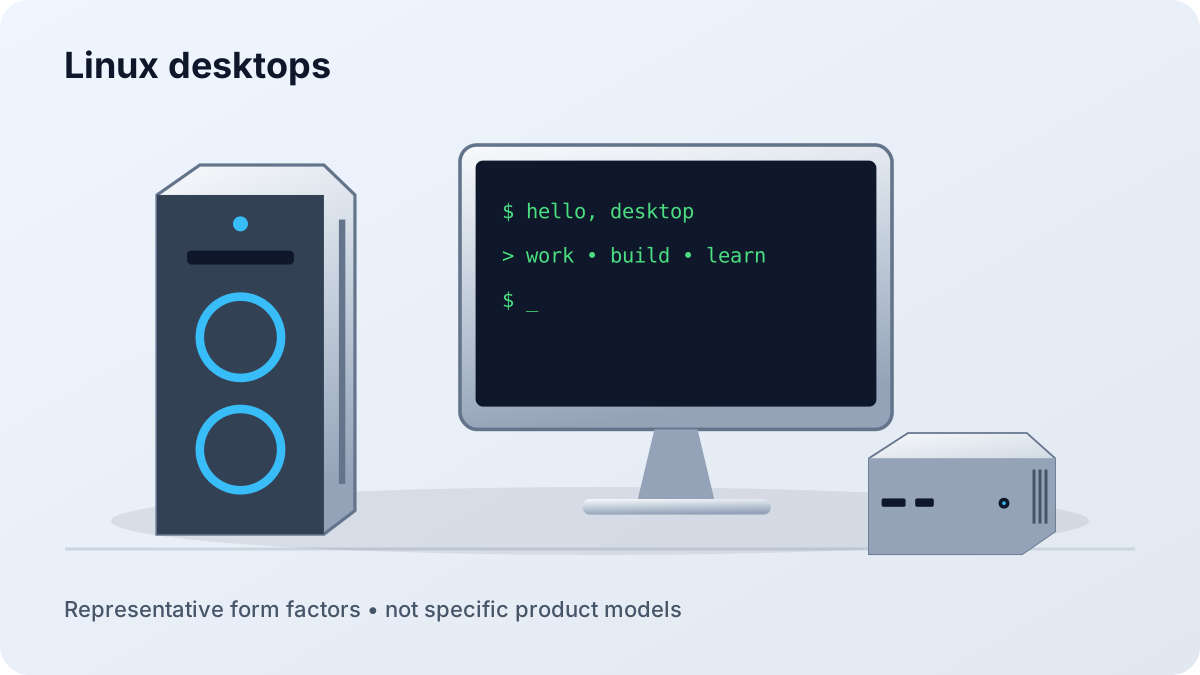
Preinstalled or self-built systems for development, privacy, home labs, creative work, gaming, and users who want more control over the software stack.
Open the Linux Guide →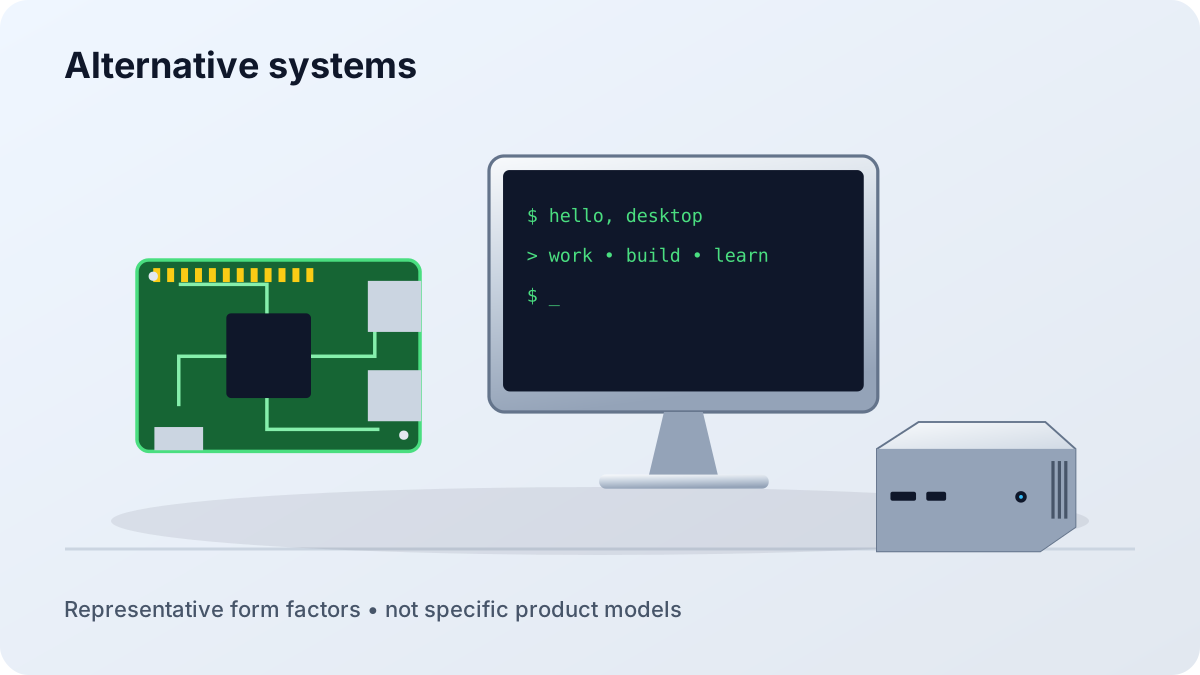
ChromeOS desktops, BSD, single-board computers, thin clients, and repurposed hardware for focused jobs where mainstream platforms may be unnecessary.
Open the Alternative Guide →Original illustrations show representative computer types, not specific product models. Follow each guide for configuration and compatibility checks.
| Platform | Strongest fit | Main tradeoff | Check first |
|---|---|---|---|
| Windows | Broad commercial software, games, peripherals | Quality and support vary by builder | Upgrade access, power supply, cooling, warranty |
| Apple | macOS workflows, quiet compact systems, Apple ecosystem | Memory and storage are normally fixed at purchase | Application support, memory, storage, displays |
| Linux | Development, control, privacy, servers, learning | Some specialized apps and devices need workarounds | Hardware support, required software, support path |
| Alternative | Web-first, education, appliances, focused projects | Narrower software and accessory choices | Exact workload, updates, documentation, expansion |
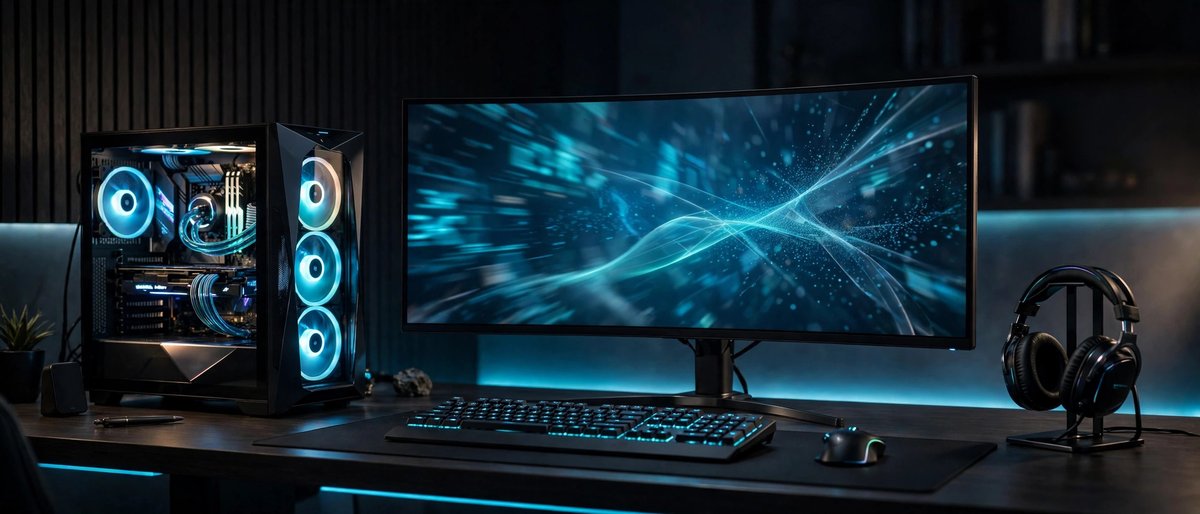
Match CPU, GPU, memory, storage, cooling, and noise to sustained workloads rather than headline specifications.

Check repair access, warranty service, replacement parts, upgrade limits, power use, and resale before committing.

Include monitors, ports, networking, camera, audio, input devices, surge protection, and backup power in the plan.