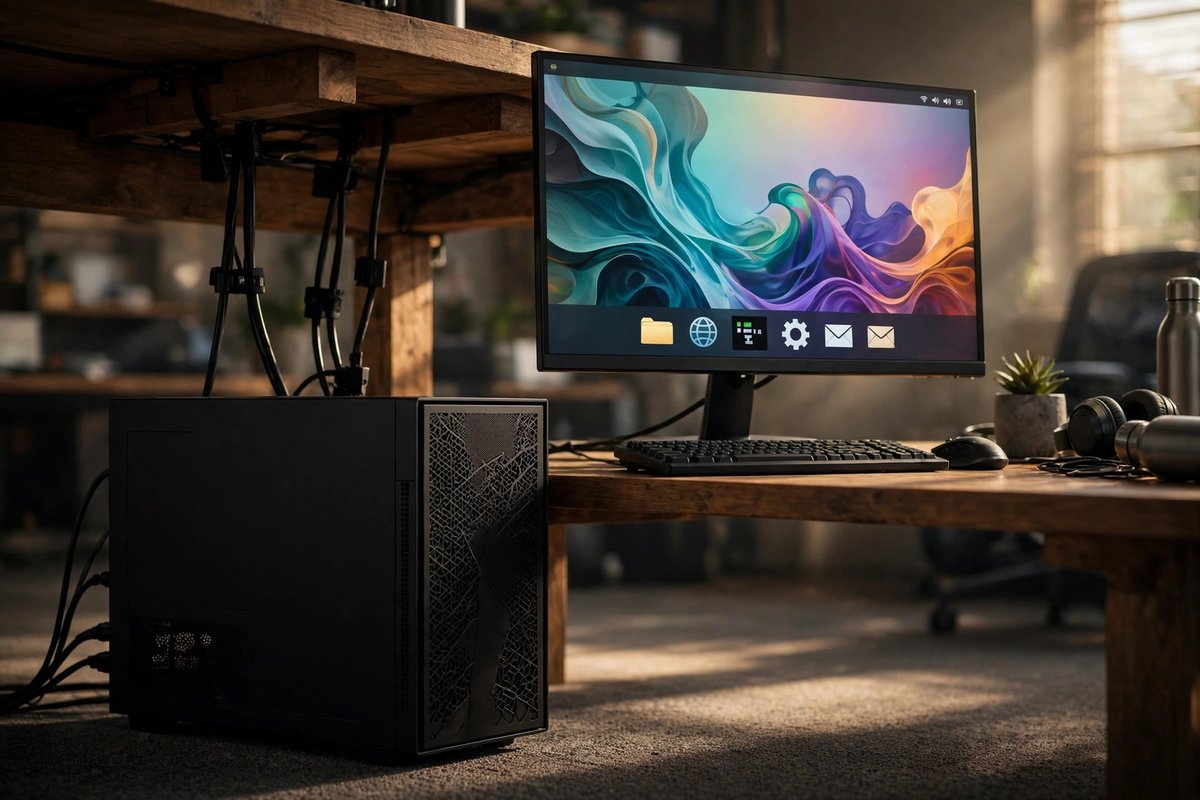
Linux preinstalled
A vendor-tested Linux image can reduce uncertainty around Wi-Fi, audio, graphics, sleep behavior, firmware, and recovery. Compare the vendor’s support period and whether standard distributions remain easy to install.
Choose a Linux desktop by hardware support, drivers, required applications, distributions, peripherals, repairability, upgrade path, and support model.
A vendor-tested Linux image can reduce uncertainty around Wi-Fi, audio, graphics, sleep behavior, firmware, and recovery. Compare the vendor’s support period and whether standard distributions remain easy to install.
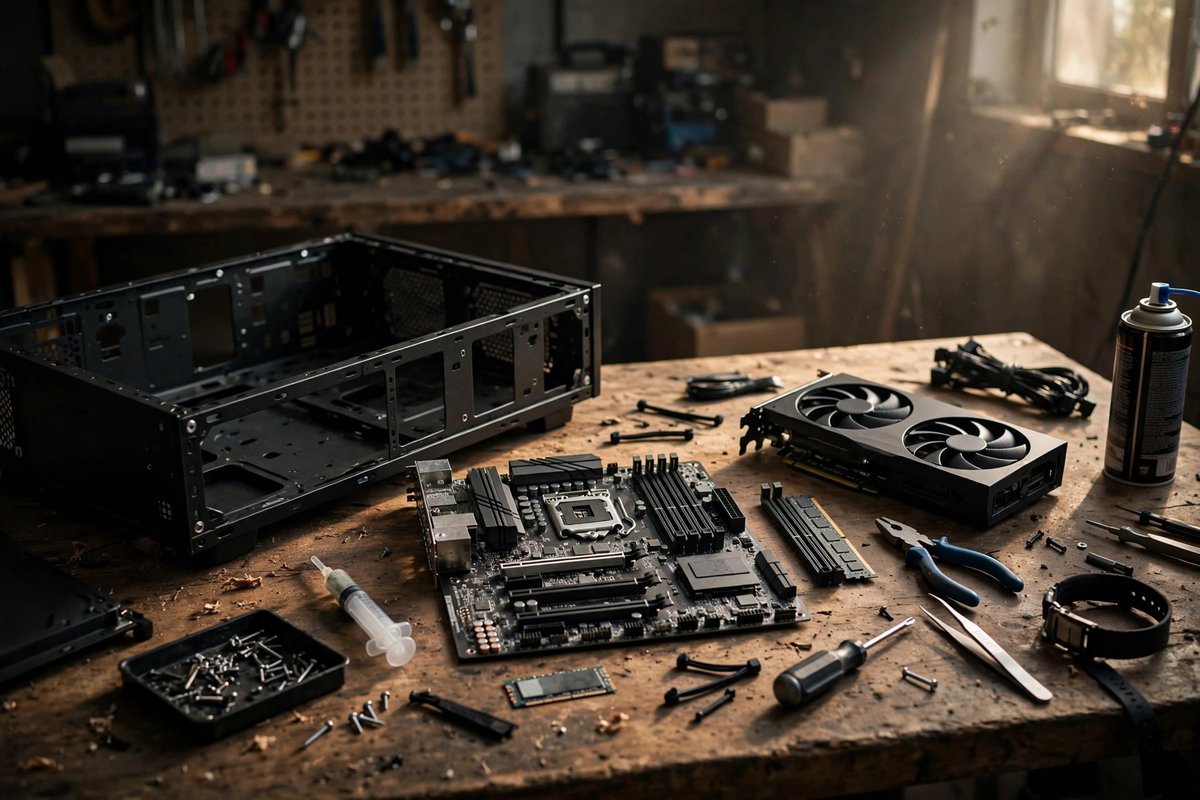
Provides component control and strong upgrade potential. Check the motherboard, network adapter, GPU, audio, RGB controllers, capture devices, and peripherals against current kernel and distribution support.
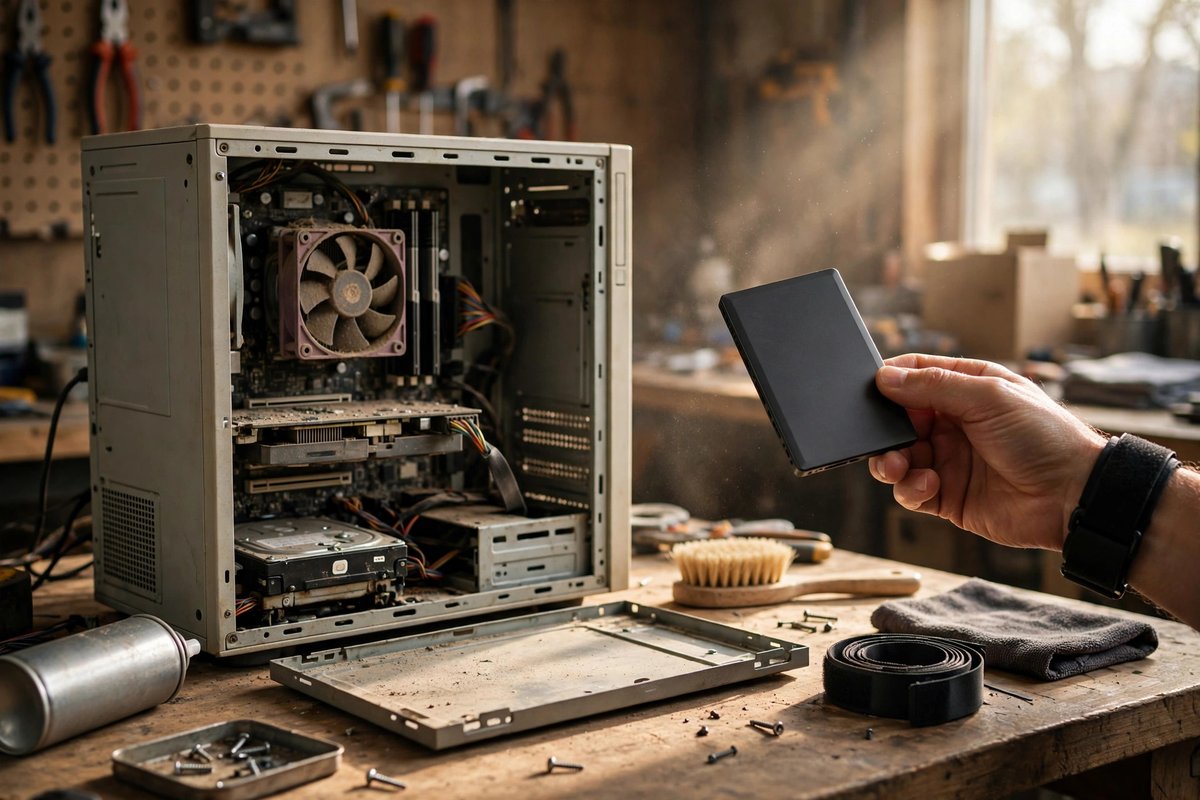
A practical path for learning, web, office, media, development, or a home server. Test with a live USB before erasing anything, verify backups, and preserve a recovery path for the current operating system.
Useful when a required Windows application remains. It adds storage planning, boot-management, encryption, update, and backup complexity, so separate machines or virtualization may be cleaner for some users.
The best choice supports your hardware, required software, update comfort, and troubleshooting resources. A mainstream beginner-friendly distribution is usually easier than selecting solely by appearance.
Both can work, but support varies by distribution, workload, driver, and application. Check the exact GPU against gaming, creative, compute, and multi-monitor requirements before buying.
Not for basic browsing, office work, learning, and many development tasks. Virtual machines, compilation, gaming, media work, and local AI can raise CPU, memory, GPU, and storage requirements substantially.