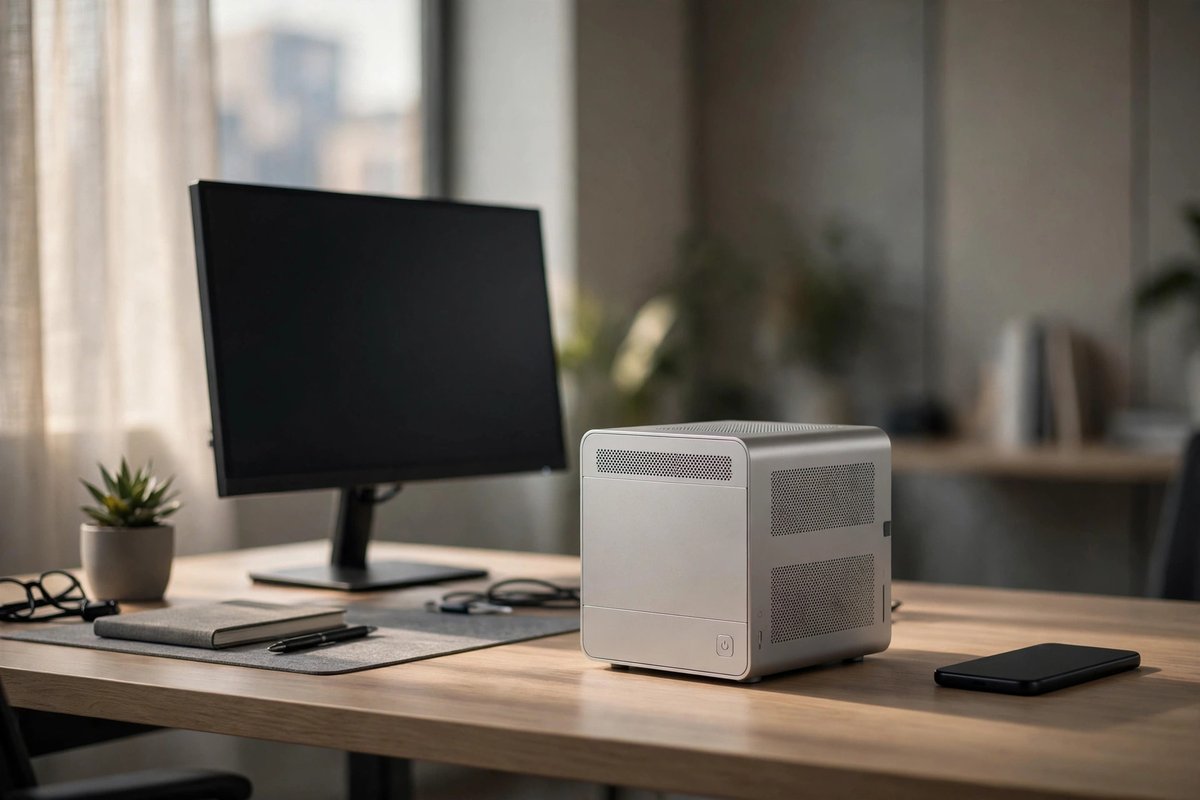
Compact office PC
Good for documents, web apps, video calls, point-of-sale work, media, and light development. Confirm memory and storage are replaceable, Wi-Fi is included, and the display outputs fit the monitors.
Choose a Windows desktop by form factor, software, CPU and GPU needs, cooling, power supply, upgrade access, warranty, ports, and total setup cost.
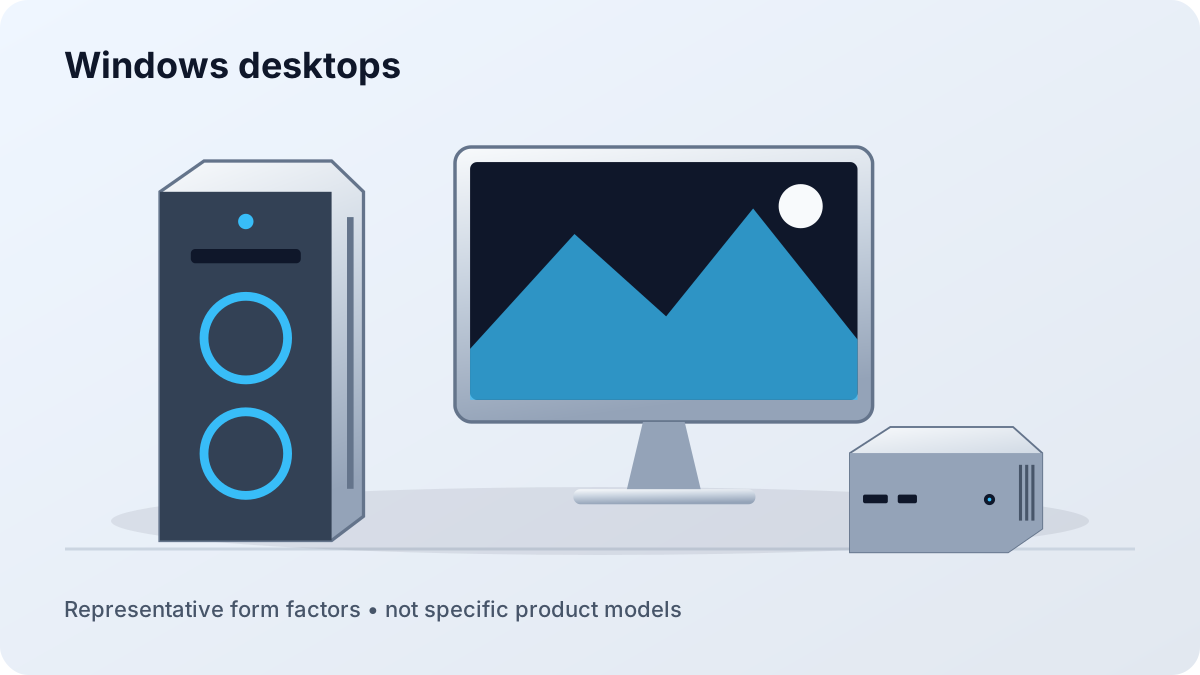
Good for documents, web apps, video calls, point-of-sale work, media, and light development. Confirm memory and storage are replaceable, Wi-Fi is included, and the display outputs fit the monitors.
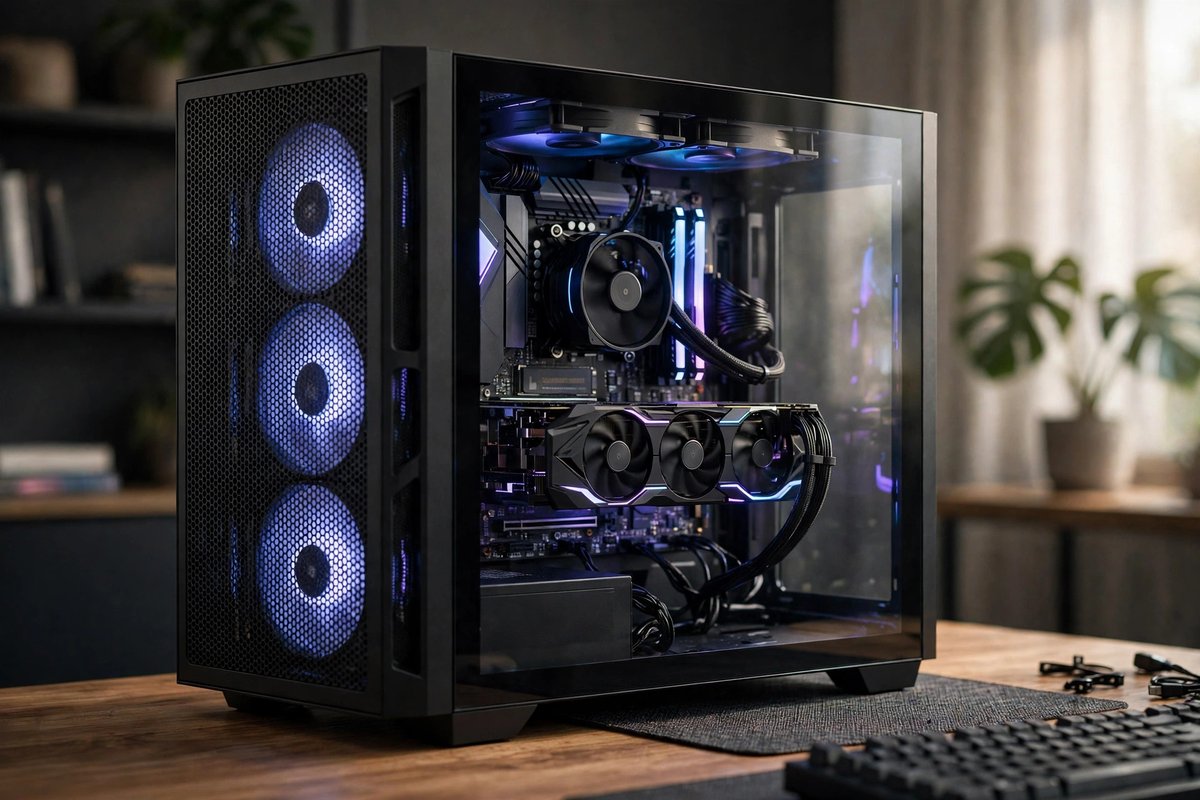
Better for discrete graphics, future storage, cooling, capture cards, and component replacement. Check case clearance, power-supply capacity, motherboard slots, and airflow before assuming it is upgrade-friendly.
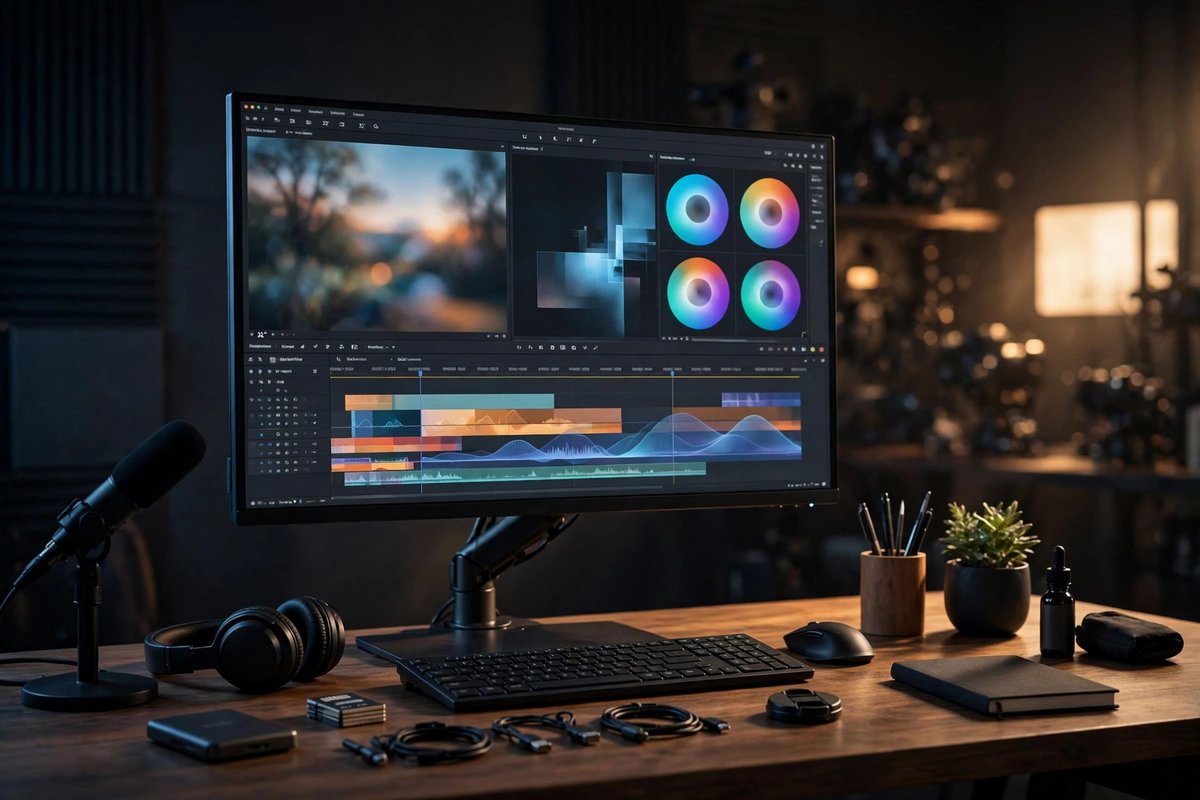
Prioritize sustained cooling, memory capacity, fast local storage, GPU support, certified drivers where required, and a warranty that matches the cost of downtime.
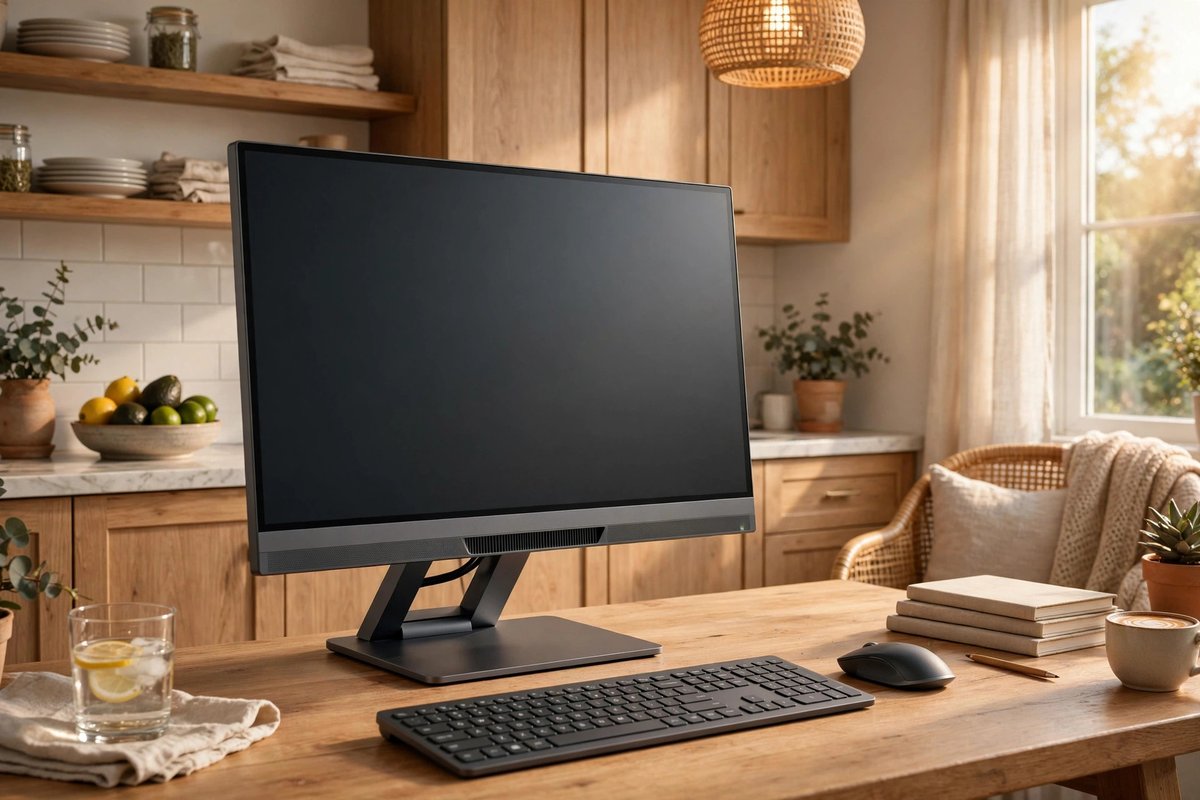
Saves desk space and cabling, but display and computer failures are tied together. Verify port access, camera quality, stand adjustment, external-display support, and whether memory or storage can be serviced.
| Workload | Prioritize | Avoid overlooking |
|---|---|---|
| Office and school | Responsive CPU, adequate memory, SSD, quiet operation | Webcam, monitor outputs, Wi-Fi, support |
| Gaming | GPU, cooling, power supply, monitor match | Case clearance, memory configuration, upscaling support |
| Creative work | CPU/GPU fit, memory, fast scratch storage | Color-managed display, card reader, backup plan |
| Local AI or technical work | GPU memory, system memory, storage, expansion | Software stack, drivers, thermals, power draw |
A prebuilt simplifies support and setup. A custom build provides more component control but makes you responsible for compatibility, assembly, troubleshooting, and individual warranties.
Base the answer on the largest real workload and whether memory can be added later. Browser-heavy multitasking, development tools, media creation, virtual machines, and local AI can raise needs quickly.
Ethernet is preferable for a fixed workstation when available, but built-in Wi-Fi and Bluetooth remain useful. Confirm antenna placement and the exact wireless standard rather than assuming every motherboard includes them.