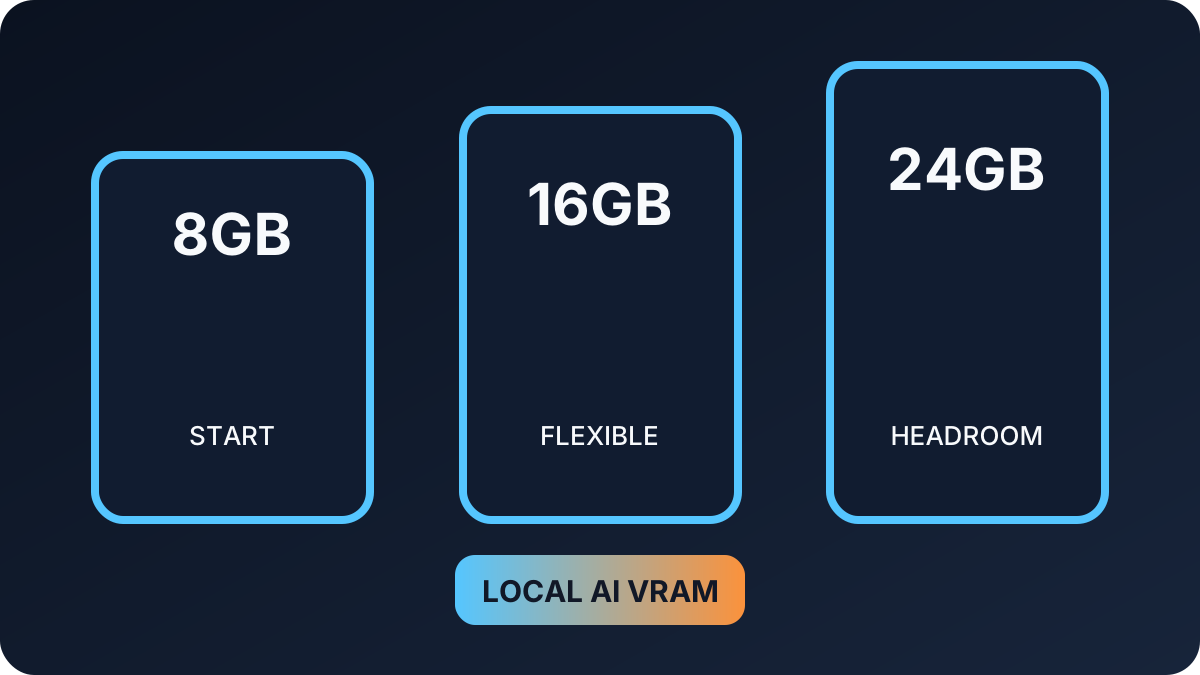
GPU shopping for local AI starts with memory capacity, not gaming frame rates. The model, quantization level, context length, and whether other programs share the GPU determine what fits and how comfortably it runs.
Quick answer: choose VRAM by the models you expect to use
| VRAM class | Practical starting point | Best for | Main limitation |
|---|---|---|---|
| 8GB | Smaller quantized models and experimentation | Learning local AI on a budget | Limited model and context headroom |
| 12GB | More flexible small-to-mid-size quantized models | General local assistants and coding tests | Large models still require compromises |
| 16GB | Comfortable middle tier for broader model choices | Serious home use and development | High-end models may still spill into system memory |
| 24GB+ | More room for large quantized models and longer contexts | Advanced workflows and frequent experimentation | Higher cost, power, and cooling needs |
Why model size is not the whole answer
Quantization reduces memory demand by storing model weights at lower precision, but the runtime also needs working memory for the context window, caches, and other operations. A model file that barely fits can leave too little room for a useful context or smooth multitasking.
NVIDIA, AMD, and integrated options
- NVIDIA: broad CUDA support makes compatibility straightforward for many local-AI tools, but compare VRAM—not only the GPU model name.
- AMD: ROCm support continues to expand, yet operating-system and GPU compatibility should be checked against the current framework documentation.
- Unified-memory systems: some integrated designs can dedicate a larger shared pool to AI workloads, but bandwidth, runtime support, and memory available to the operating system still matter.
Budget for the whole system
Pair the GPU with enough system RAM, fast storage for model files, a suitable power supply, and airflow that can handle sustained workloads. For a first build, keep enough budget for 32GB or more of system memory and a roomy NVMe drive rather than spending everything on the GPU.
A five-step buying check
- List two or three models and tools you actually want to run.
- Check their current GPU and operating-system support.
- Estimate model, context, and multitasking memory together.
- Confirm power-supply connectors, case clearance, and cooling.
- Choose more VRAM headroom when the price difference is reasonable.
Six practical GPU starting points for local AI
These established GPU families cover budget experiments through 24GB enthusiast builds. Availability and board dimensions vary, so compare the exact model, power supply, cooling, and framework support before ordering.
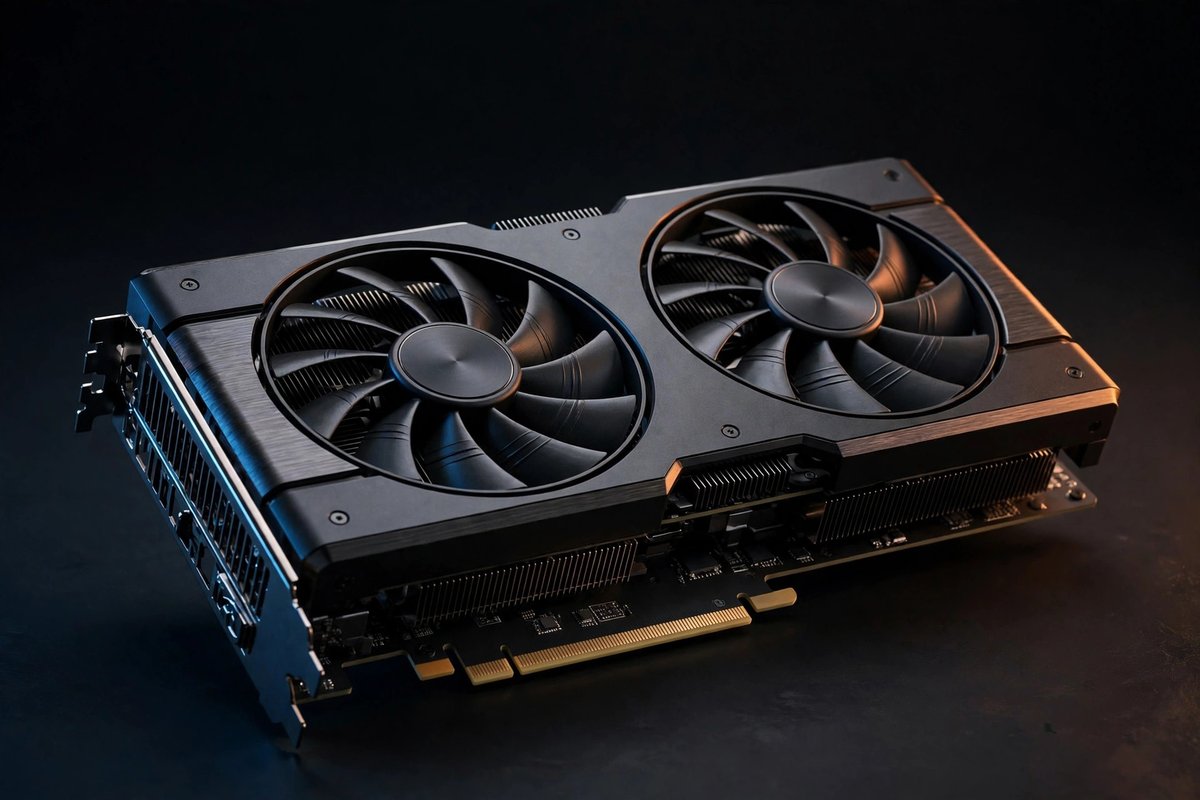
NVIDIA GeForce RTX 3060 12GB
12GB VRAM · budget tier
A proven low-cost entry for smaller quantized models when CUDA compatibility matters. Check case clearance and power connectors.
Compare prices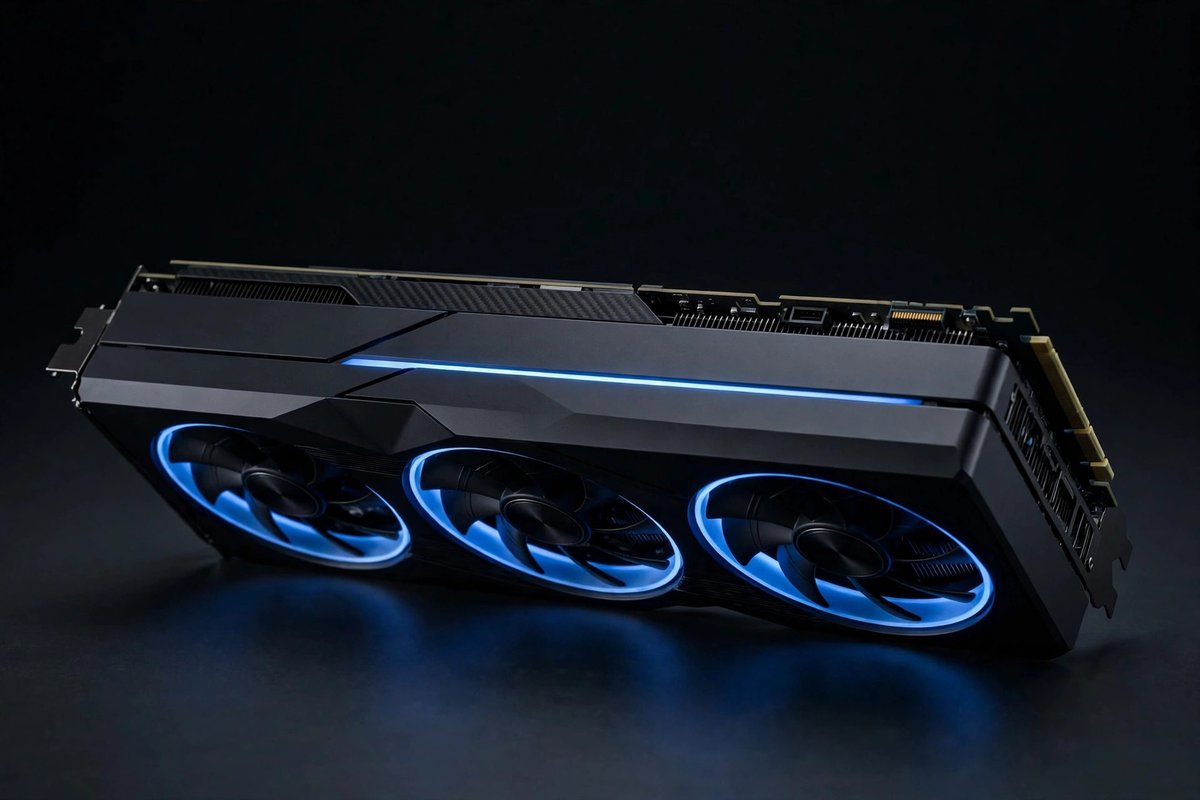
Intel Arc A770 16GB
16GB VRAM · budget/value tier
Generous memory for the price and a useful option for supported runtimes. Confirm current oneAPI or runtime compatibility for your operating system first.
Compare prices
NVIDIA GeForce RTX 4060 Ti 16GB
16GB VRAM · midrange tier
Good capacity with modest power needs for a first dedicated local-AI workstation. Memory bandwidth is lower than higher-tier cards.
Compare prices
NVIDIA GeForce RTX 5070 Ti 16GB
16GB VRAM · upper-midrange tier
A faster modern CUDA option for users balancing local AI with demanding graphics work. Verify PSU capacity and board size.
Compare prices
AMD Radeon RX 7900 XT 20GB
20GB VRAM · high-end tier
Strong memory capacity for compatible ROCm workflows. Check the exact framework, operating system, and GPU support list before buying.
Compare prices
AMD Radeon RX 7900 XTX 24GB
24GB VRAM · premium tier
Large memory headroom for advanced supported workloads. Budget for a capable power supply, airflow, and careful ROCm compatibility checks.
Compare pricesBuying note: Local-AI support changes quickly. Treat every product link as a comparison starting point and confirm the current Ollama, CUDA, ROCm, or oneAPI support documentation for your exact setup.
Frequently asked questions
Is 8GB of VRAM enough for local AI?
It can run smaller quantized models and is useful for learning, but model choice and context length are more limited than with 12GB or 16GB.
Does more VRAM always make a GPU faster?
No. VRAM capacity controls what can fit, while GPU architecture, memory bandwidth, software support, and power limits also affect speed.
Can system RAM replace GPU VRAM?
Some runtimes can offload work to system memory, but it is usually slower than keeping the workload in dedicated GPU memory.