
General-purpose laptops
Prioritize a comfortable keyboard, clear display, dependable battery, video calling, and enough memory and storage for routine multitasking.
A good laptop balances software compatibility, sustained performance, battery life, screen comfort, ports, and service—not one headline specification.
Prioritize a comfortable keyboard, clear display, dependable battery, video calling, and enough memory and storage for routine multitasking.

Lower weight and longer runtime help commuters and travelers, but port selection, cooling, upgradeability, and peak performance may be reduced.
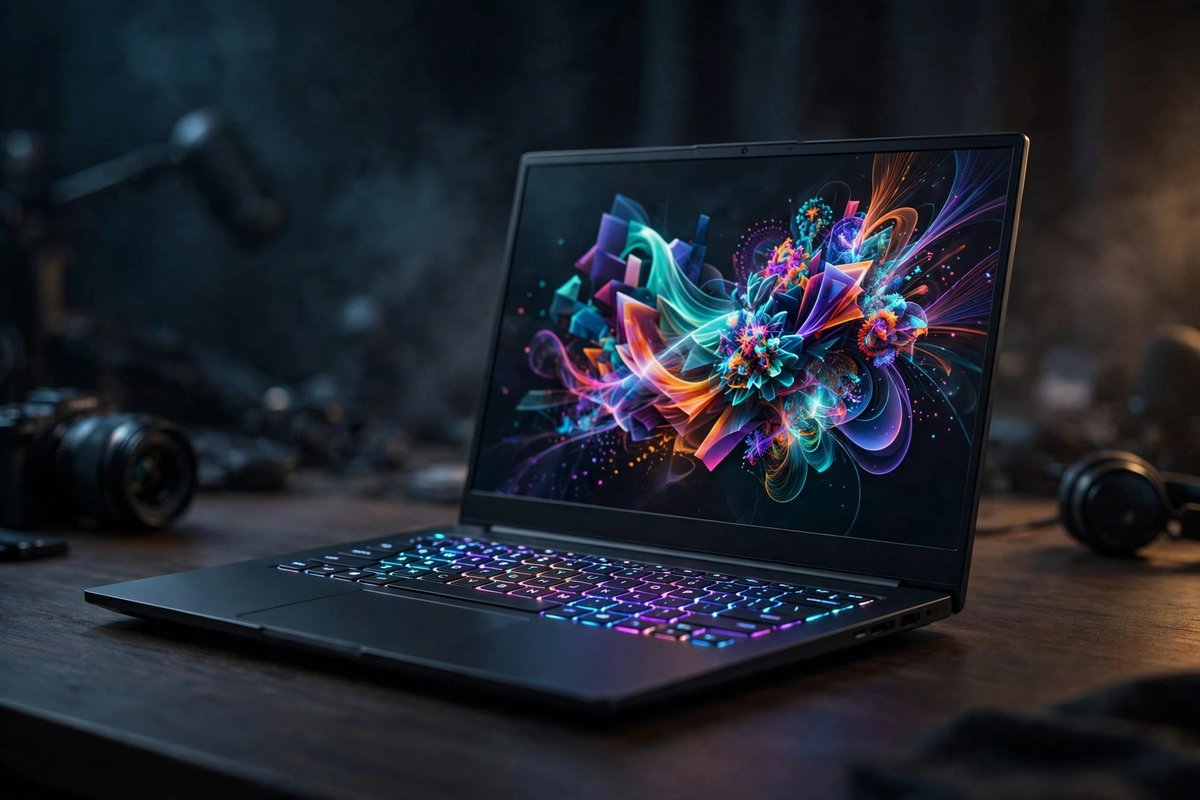
Stronger processors and graphics help heavy work, while added heat, fan noise, weight, charger size, and battery use must be accepted.
| Platform | Good fit when | Confirm before buying |
|---|---|---|
| Windows | You need broad desktop software, business tools, peripherals, or PC games | Edition requirements, device drivers, security features, and vendor support |
| macOS | Your workflow fits Apple software and services or you value close device integration | Required apps, ports, external displays, storage, memory, and repair options |
| ChromeOS | Most work happens in a browser, Android apps, or managed cloud tools | Offline needs, peripheral support, management rules, and update support period |
| Linux | Your applications and hardware are supported and you value control or development tools | Wi-Fi, graphics, sleep, fingerprint, camera, dock, and specialty-app compatibility |
Choose memory around the applications and multitasking you actually use, and allow headroom for the years you expect to keep the laptop. Confirm whether memory can be upgraded or is permanently attached.
Start with required software, games, peripherals, workplace or school policies, and support. The best hardware is a poor fit if the operating system cannot run an essential workflow.
Treat advertised battery life as a controlled comparison rather than a guarantee. Screen brightness, performance mode, calls, games, browser tabs, wireless conditions, and battery age all change real runtime.