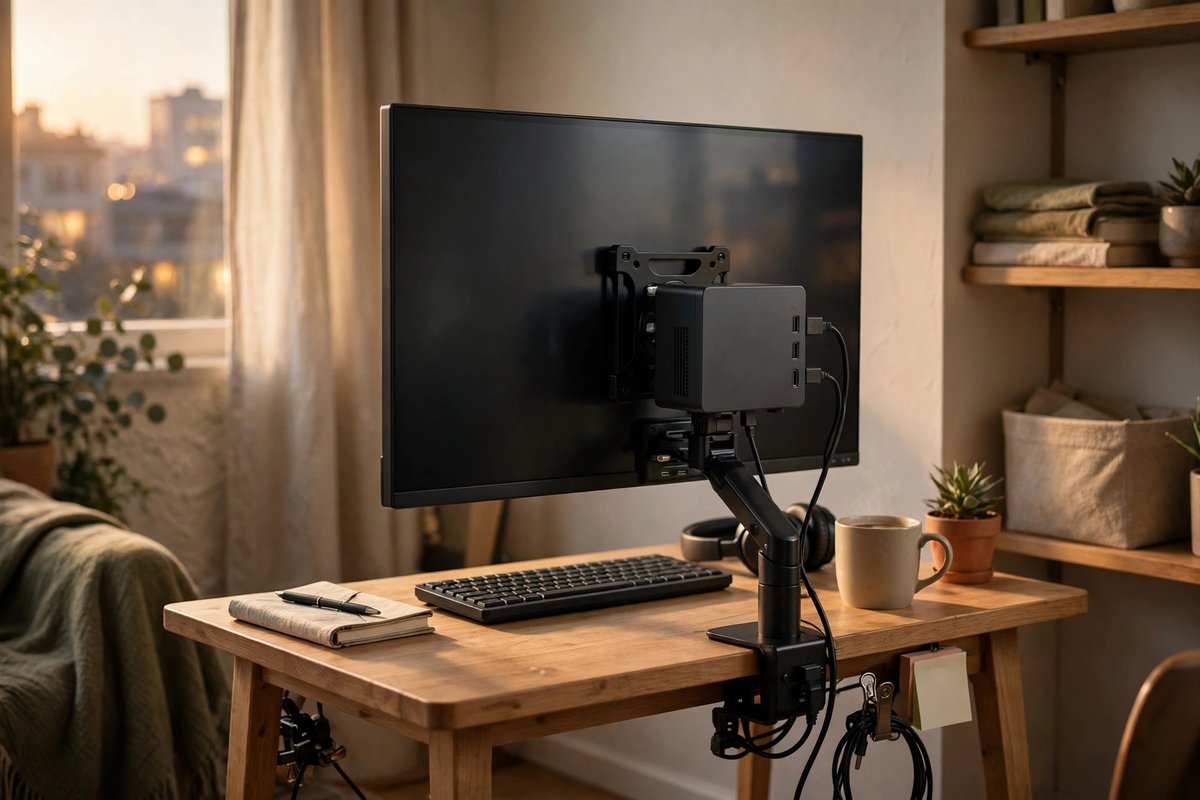
Mini PCs
Useful for offices, media centers, development, home labs, kiosks, and space-limited desks. Confirm whether memory, storage, and an operating system are included.
Mini PCs, handheld PCs, and single-board systems can save space and power. Their value depends on complete configuration, cooling, connectivity, software support, and the accessories you must add.
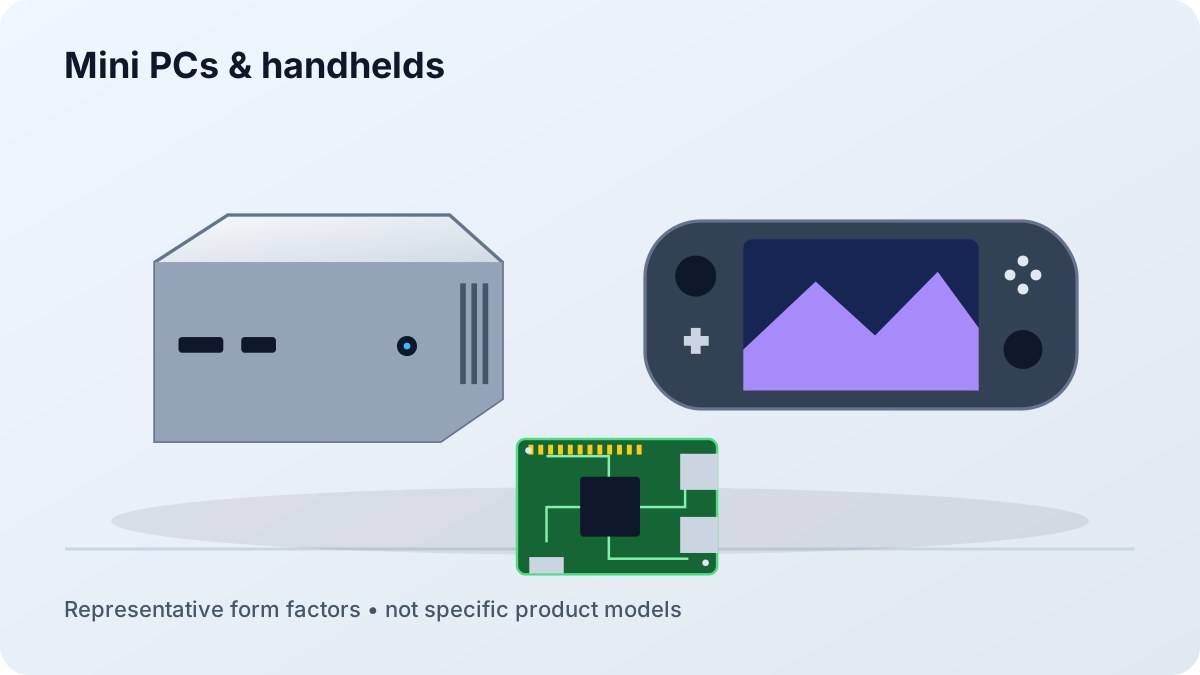
Useful for offices, media centers, development, home labs, kiosks, and space-limited desks. Confirm whether memory, storage, and an operating system are included.
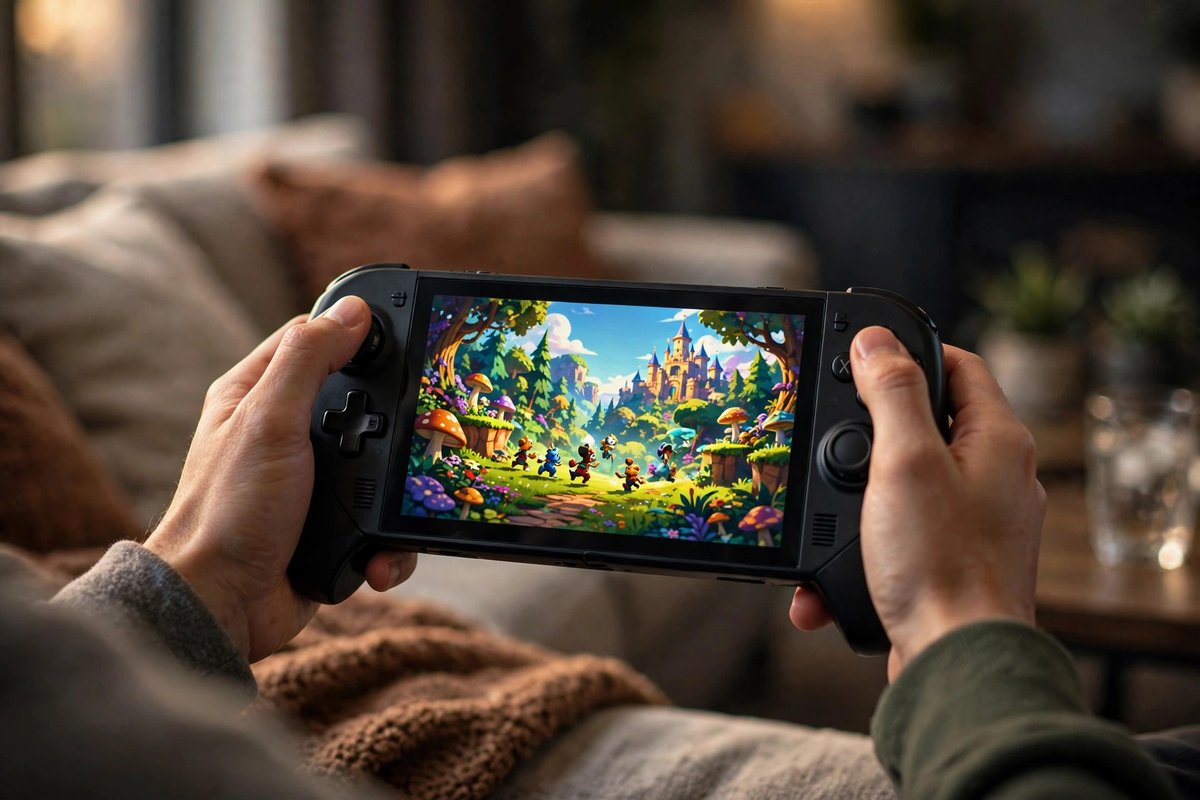
Designed around gaming and compact use. Compare control comfort, screen, game support, battery, docking, storage, cooling, and repairability.
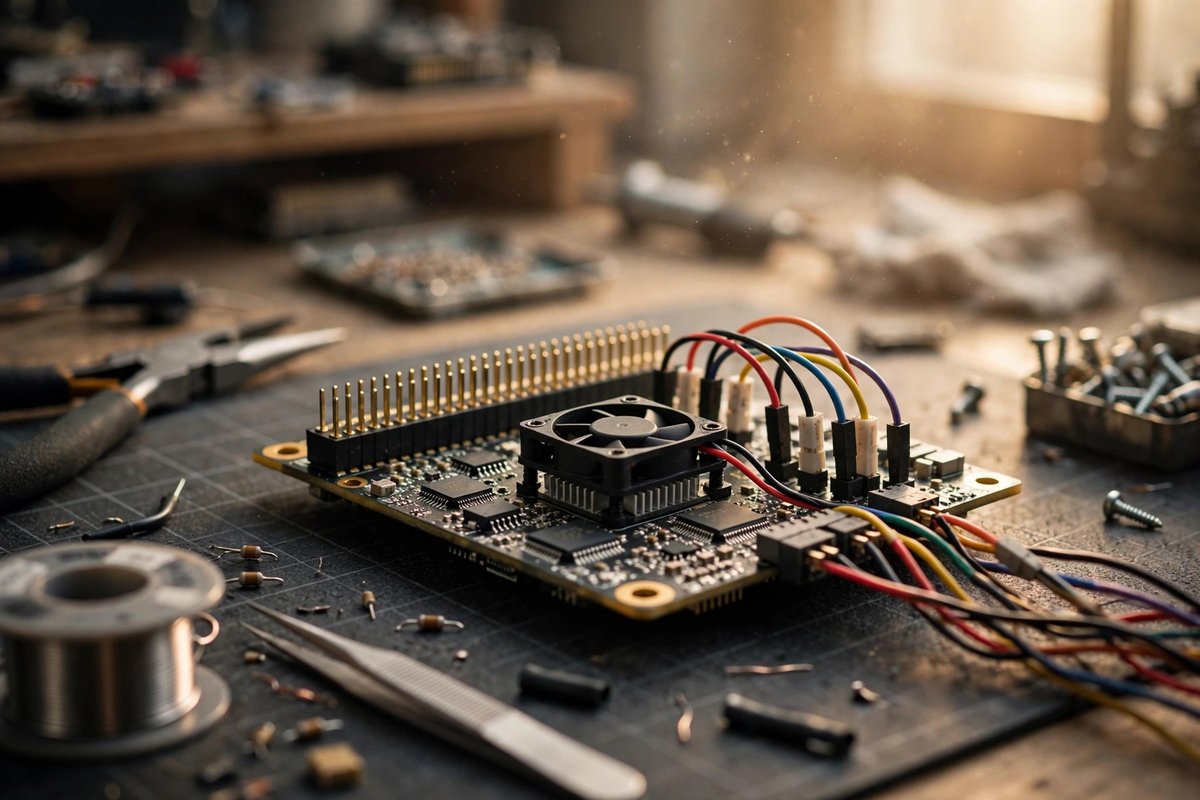
Flexible for electronics, automation, small servers, and education, but often need a case, power supply, storage, cooling, and hands-on setup.
| Question | Mini PC | Handheld PC | Single-board computer |
|---|---|---|---|
| Display included? | No | Yes | Usually no |
| Battery included? | No | Yes | Usually no |
| Typical setup | Monitor, keyboard, mouse | Charger; optional dock and display | Power, storage, case, cooling, input |
| Best advantage | Compact desktop capability | Portable PC gaming and use | Flexible learning and projects |
| Main caution | Limited internal expansion | Compatibility and ergonomics | More assembly and maintenance |
Start with the games and services you actually use. Verify operating-system support, anti-cheat behavior, controller layouts, text readability, launcher access, suspend and resume, external storage, dock compatibility, and whether performance remains acceptable at battery-friendly power settings.
Comfort is personal. Weight, grip shape, control reach, heat, fan noise, screen size, and carrying case can determine whether a handheld is enjoyable after the first week.
Match the board to the operating system image, processor architecture, memory, storage interface, network needs, ports, expansion hardware, power supply, case, and cooling. Use official images and documentation, keep backups, and avoid relying on an unsupported project board for irreplaceable work.
A mini PC can replace a tower for many everyday, office, media, development, and light creative workloads. A tower remains easier to expand and may better support high-power graphics, multiple drives, and long-term component upgrades.
No. Performance, controls, anti-cheat, launchers, operating system, screen size, and power limits affect compatibility. Check the exact games and services you use.
A single-board computer is strongest for learning, electronics, small servers, automation, and dedicated projects. It usually requires separate storage, power, cooling, a case, and more setup than a consumer mini PC.