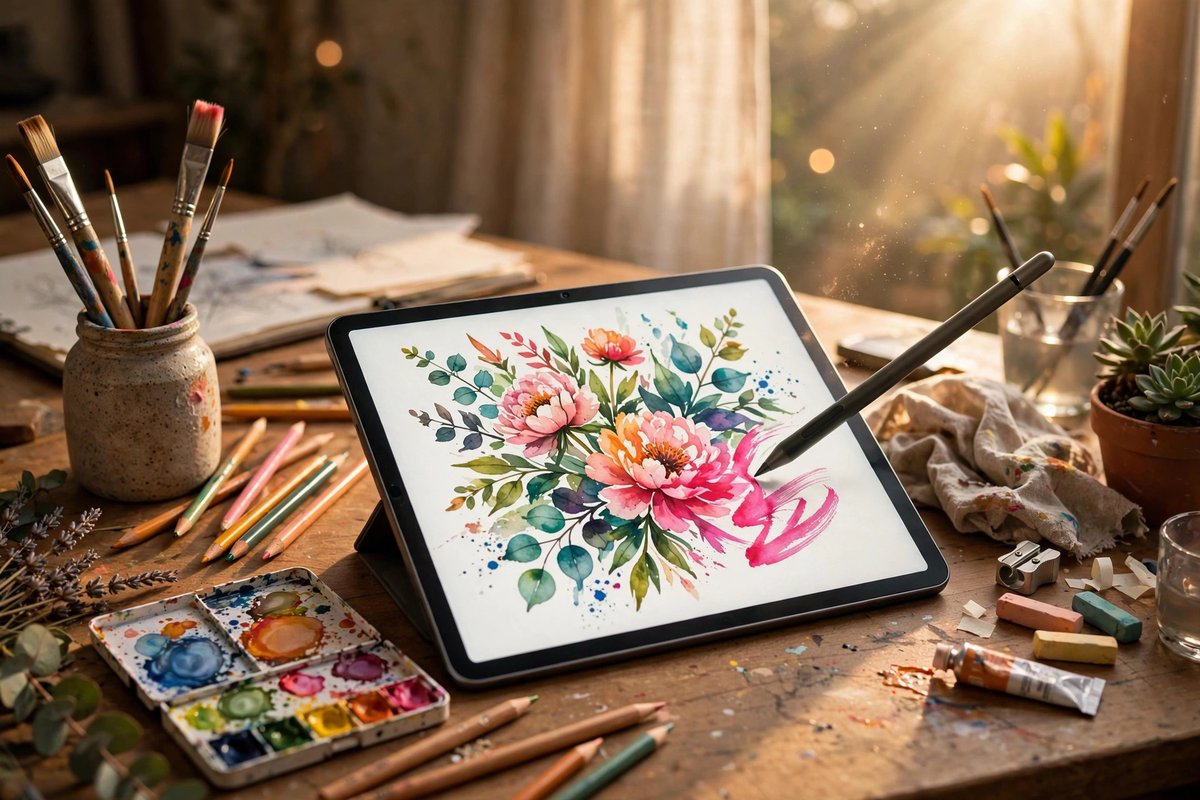
Traditional tablets
Excellent for reading, streaming, handwriting, drawing, presentations, and light work. Keyboards and desktop-style apps may be optional or limited.
Tablets excel at reading, drawing, notes, media, and field use. The deciding question is whether the apps, files, accessories, and multitasking you depend on fit the platform.
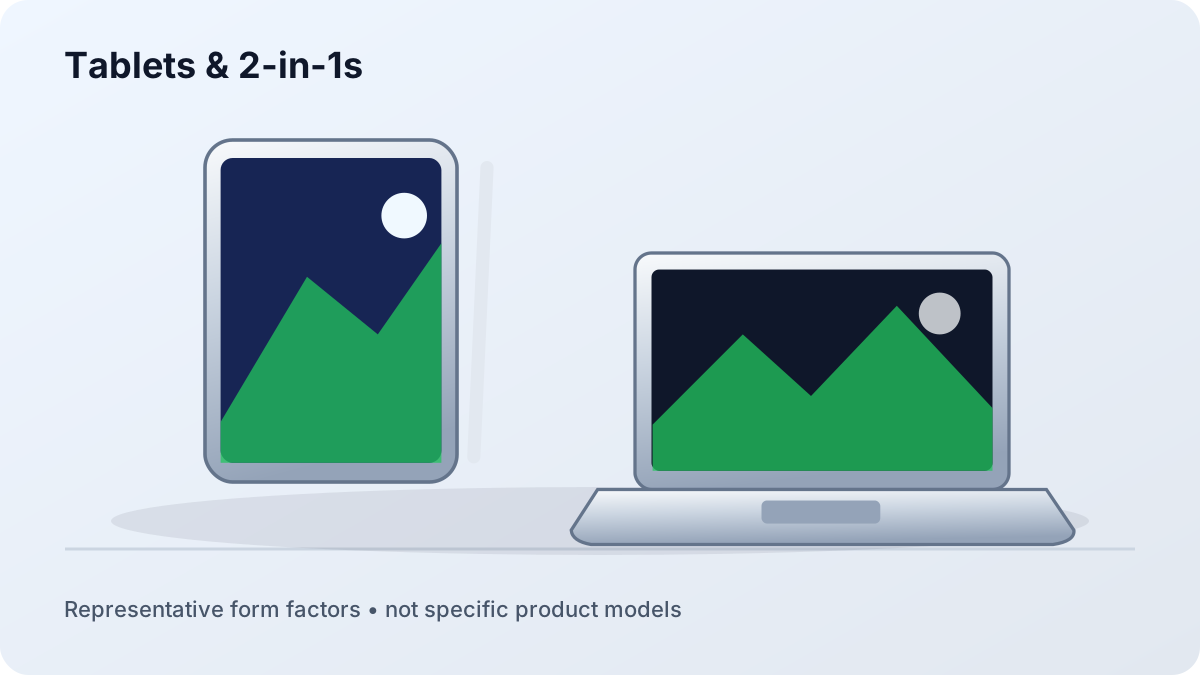
Excellent for reading, streaming, handwriting, drawing, presentations, and light work. Keyboards and desktop-style apps may be optional or limited.
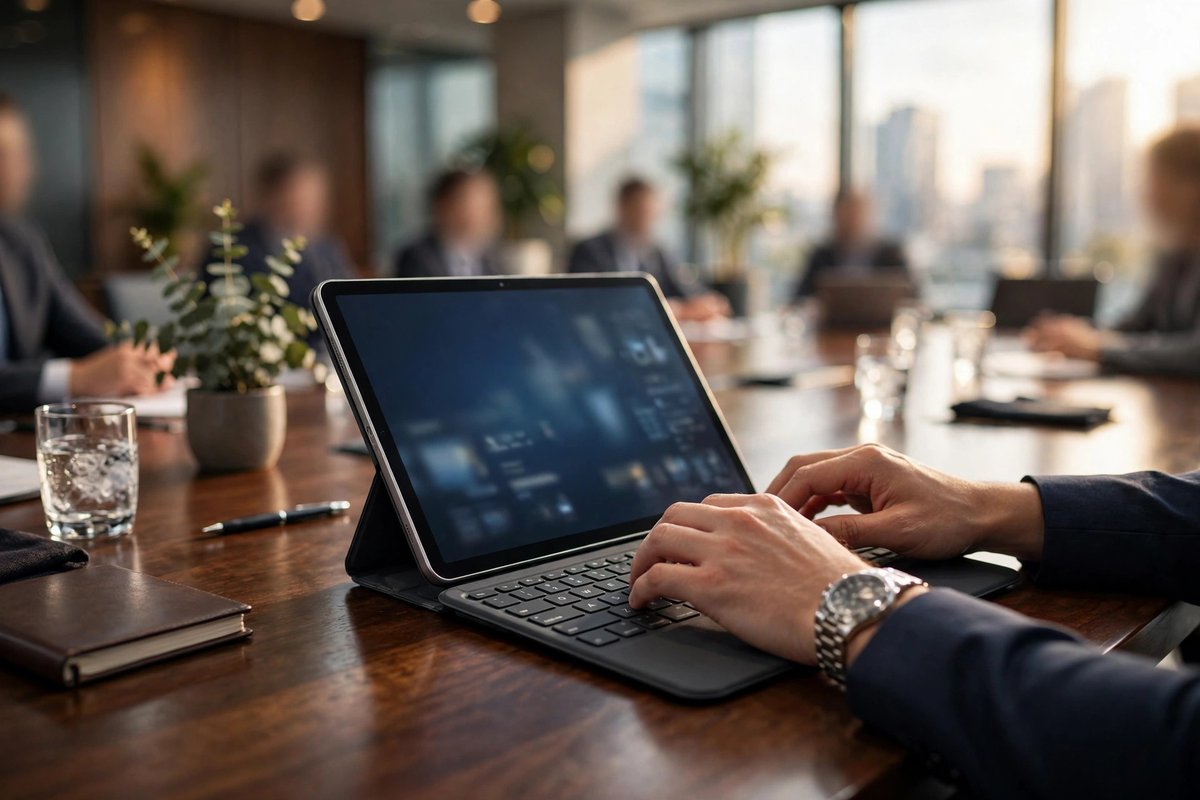
A removable keyboard creates a flexible mobile setup, but lap stability, touchpad size, ports, and accessory cost deserve close attention.
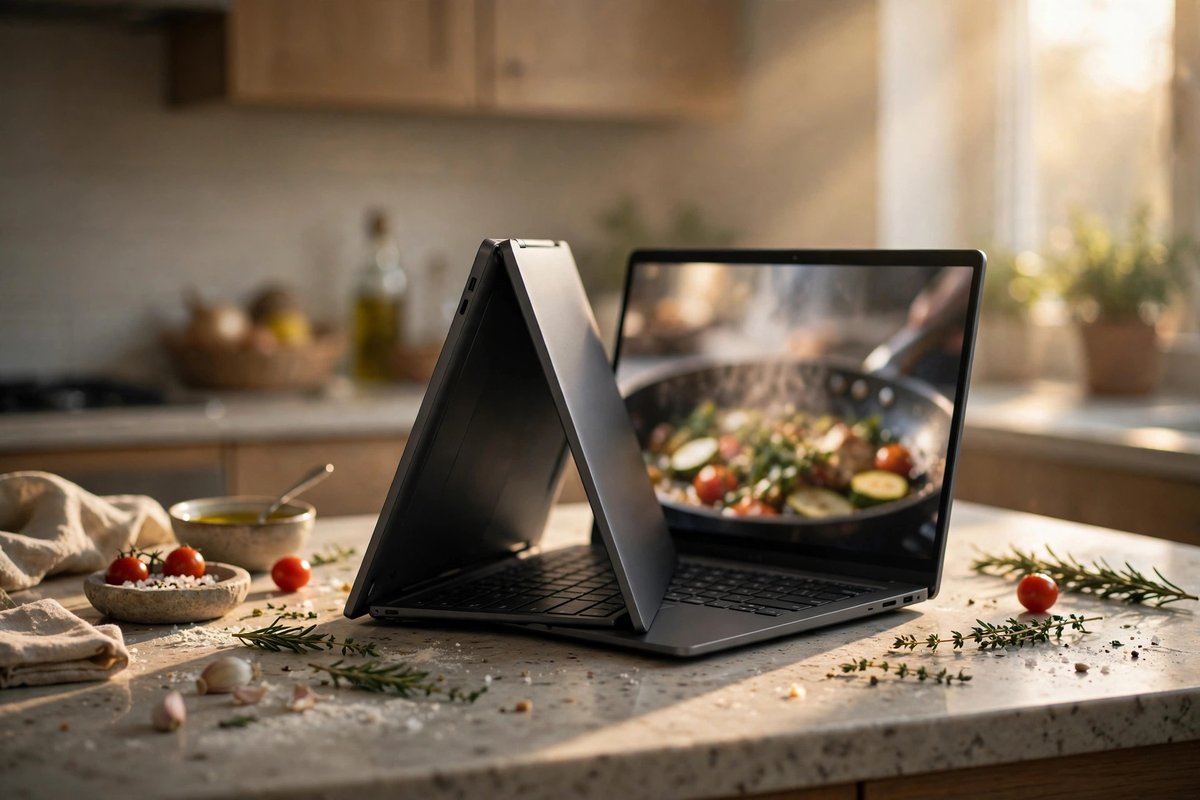
A permanent keyboard and desktop operating system support broader workflows, with more weight when used purely as a tablet.
| Platform | Strength | Check carefully |
|---|---|---|
| iPadOS | Polished touch and pen apps, media, and Apple ecosystem features | Desktop-app equivalents, file workflows, external displays, and accessory support |
| Android | Broad device choice, media, reading, and flexible services | Long-term updates, large-screen app quality, keyboard behavior, and desktop mode |
| Windows | Full desktop software and familiar file handling | Touch quality, standby battery, heat, weight, and tablet-mode ergonomics |
| ChromeOS | Browser-first work, simple management, and some Android/Linux tools | Offline workflow, specialty apps, peripherals, and update support period |
Screen size improves split-screen work but increases weight. Brightness and reflection matter outdoors. Artists and note-takers should confirm pen compatibility, latency, pressure features, palm rejection, and whether the pen charges and stores securely.
For travel, compare the weight of the tablet with keyboard, case, pen, and charger. Check port placement, biometric unlock, camera position during landscape calls, speaker quality, and whether the device can charge while connected to a hub.
A tablet can replace a laptop when its apps, file handling, browser, external display support, keyboard, and peripherals cover the complete workflow. Test essential tasks rather than assuming a desktop app has an equal tablet version.
Choose a tablet for touch-first use and a 2-in-1 when full desktop applications and laptop-style file handling matter. Keyboard comfort, weight, ports, and battery behavior can differ greatly.
Cellular can help frequent travelers and field workers, but it adds device and service cost. Compare hotspot use, coverage, plan terms, eSIM support, and security needs.