Native Linux app
Best when the vendor supports Linux directly and your files, plugins, devices, and collaborators behave the same way.
Move documents, creative work, communication, and cloud files without discovering a critical gap after Windows is gone.
Best when the vendor supports Linux directly and your files, plugins, devices, and collaborators behave the same way.
Useful for Microsoft 365, Canva, communication, and cloud tools. Confirm offline access, browser support, storage, and privacy needs.
Wine can help with some apps; a Windows virtual machine provides fuller compatibility but needs licensing, RAM, storage, and backups.
| Windows workflow | Linux-native or web options | Test before switching |
|---|---|---|
| Microsoft Office | Microsoft 365 web, LibreOffice, ONLYOFFICE Desktop Editors | Macros, tracked changes, fonts, complex spreadsheets, and exact formatting |
| Outlook | Outlook web, Thunderbird, Evolution | Exchange policies, shared mailboxes, calendars, signatures, and archives |
| Photoshop / Illustrator | GIMP, Krita, Inkscape, Photopea or Canva in a browser | Layered files, CMYK/print needs, plugins, fonts, and client handoff |
| Premiere Pro | Kdenlive, Shotcut, DaVinci Resolve where supported | GPU, codecs, project interchange, effects, audio, and export requirements |
| Windows Media tools | VLC, HandBrake, OBS Studio | Protected media, capture devices, codecs, and streaming services |
| OneNote | OneNote web, Joplin, Obsidian, Standard Notes | Handwriting, embedded files, collaboration, sync, and export |
| OneDrive | OneDrive web; carefully evaluated third-party sync tools; other cloud providers | Offline sync, business policy, selective sync, conflicts, and support ownership |
| Visual Studio / Notepad++ | Visual Studio Code, VSCodium, Kate, GNOME Text Editor | Extensions, SDKs, debuggers, containers, and proprietary project types |
| 7-Zip / WinRAR | File Roller, Ark, PeaZip, command-line archive tools | Encrypted and proprietary archive formats |
| Teams / Zoom / Slack | Supported web apps or current vendor Linux clients where offered | Screen sharing, virtual backgrounds, audio devices, updates, and company policy |
| Option | Good for | Main caution |
|---|---|---|
| Wine | Known-compatible desktop apps without a full Windows installation | Updates, installers, plugins, and device integrations can break |
| Bottles | Managing separate Wine environments with a graphical interface | Still depends on app compatibility; use official project guidance |
| Windows virtual machine | Office tools, testing, and software needing real Windows | Windows license, CPU/RAM/storage overhead, backups, and limited GPU/device access |
| Dual boot | Maximum compatibility for critical Windows-only work | Partition risk and rebooting whenever you switch systems |
Open-source office suite for documents, spreadsheets, and presentations.
libreoffice.org ↗
Desktop editors focused on common office formats.
onlyoffice.com ↗
Open-source email, calendar, and contacts application.
thunderbird.net ↗
Image editing and digital-painting tools with different strengths.
GIMP ↗ Krita ↗
Open-source non-linear video editor.
kdenlive.org ↗
Cross-platform media playback and recording/streaming tools.
VLC ↗ OBS ↗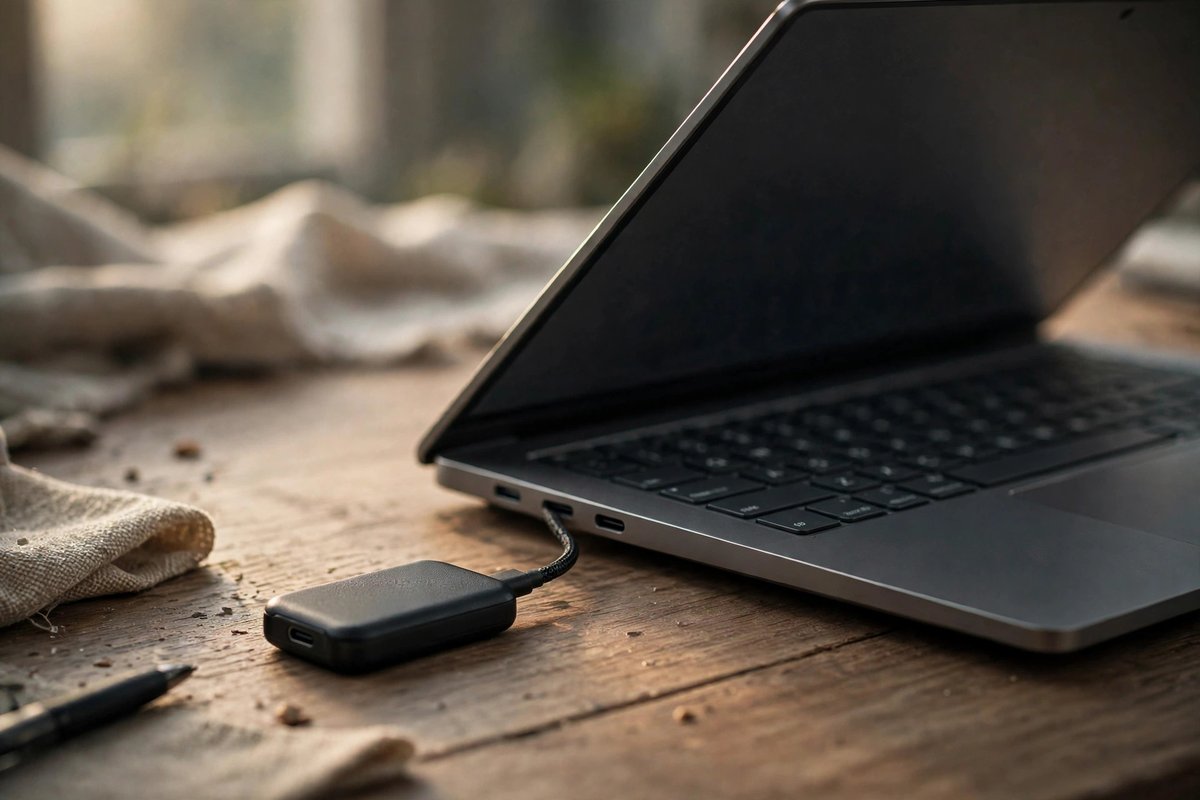
Keep a verified copy of files, installers, exports, profiles, and recovery information before conversions or disk changes.
Compare portable SSDs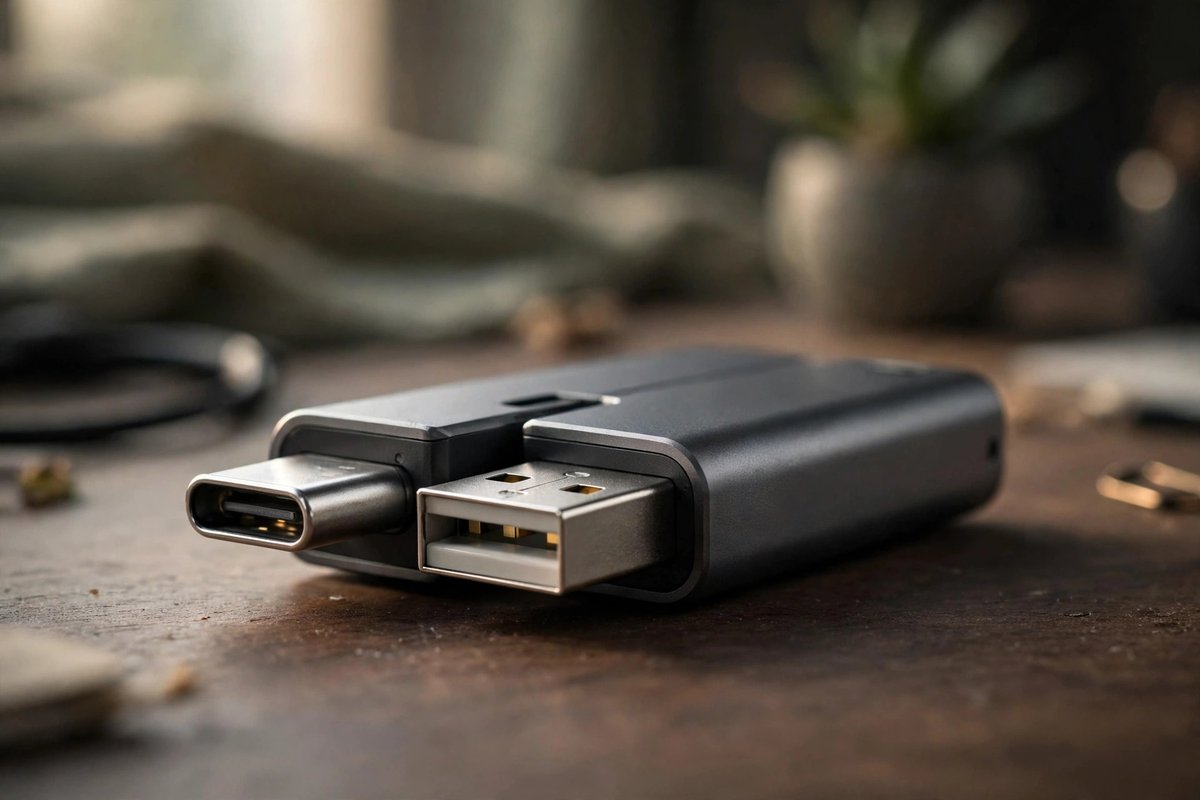
USB-A and USB-C options can simplify transfers between older and newer computers; verify capacity and connector support.
Compare dual USB drives
A network drive can serve Windows and Linux computers, but it is not a backup unless another independent copy exists.
Compare two-bay NAS optionsMicrosoft does not provide the full Windows desktop Office suite as a native Linux package. Microsoft 365 web apps can cover many workflows, while LibreOffice and ONLYOFFICE are common local alternatives. Test complex documents, macros, fonts, and collaboration before switching.
GIMP and Krita cover many image-editing and painting tasks, while browser tools can handle some collaborative work. They are not exact Photoshop replacements, so test plugins, color workflows, layered files, and client requirements.
The OneDrive web interface works in a browser. Microsoft does not provide the same official desktop sync client for Linux as it does for Windows and macOS, so evaluate web use, approved third-party tools, or a different storage provider carefully.
No. Prefer a native Linux app or web app first. Use Wine only after checking current compatibility and keeping a fallback for critical files and workflows.