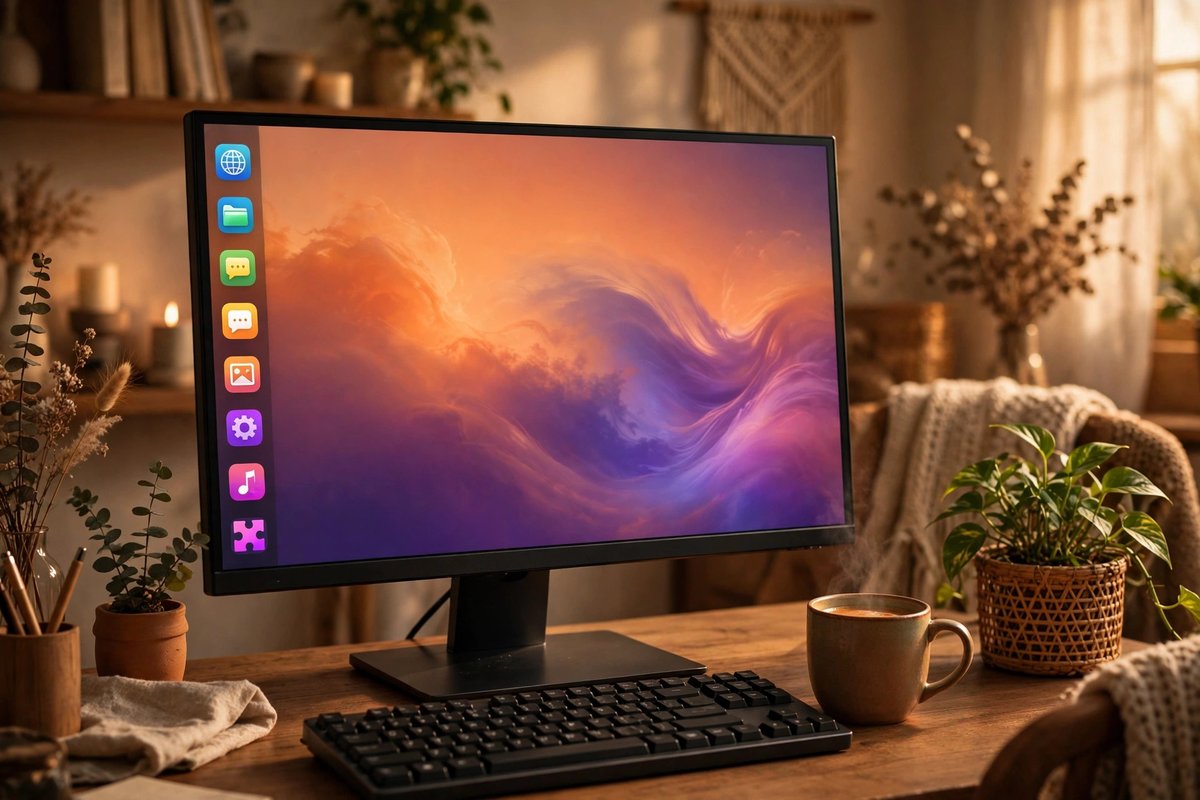
Choose Ubuntu if…
You want the largest pool of beginner instructions, broad vendor recognition, long-term-support releases, and a distinctive but polished desktop.
Official Ubuntu download ↗Choose by the desktop you enjoy, the apps and hardware you need, and how much change you want—not by online arguments.
You want the largest pool of beginner instructions, broad vendor recognition, long-term-support releases, and a distinctive but polished desktop.
Official Ubuntu download ↗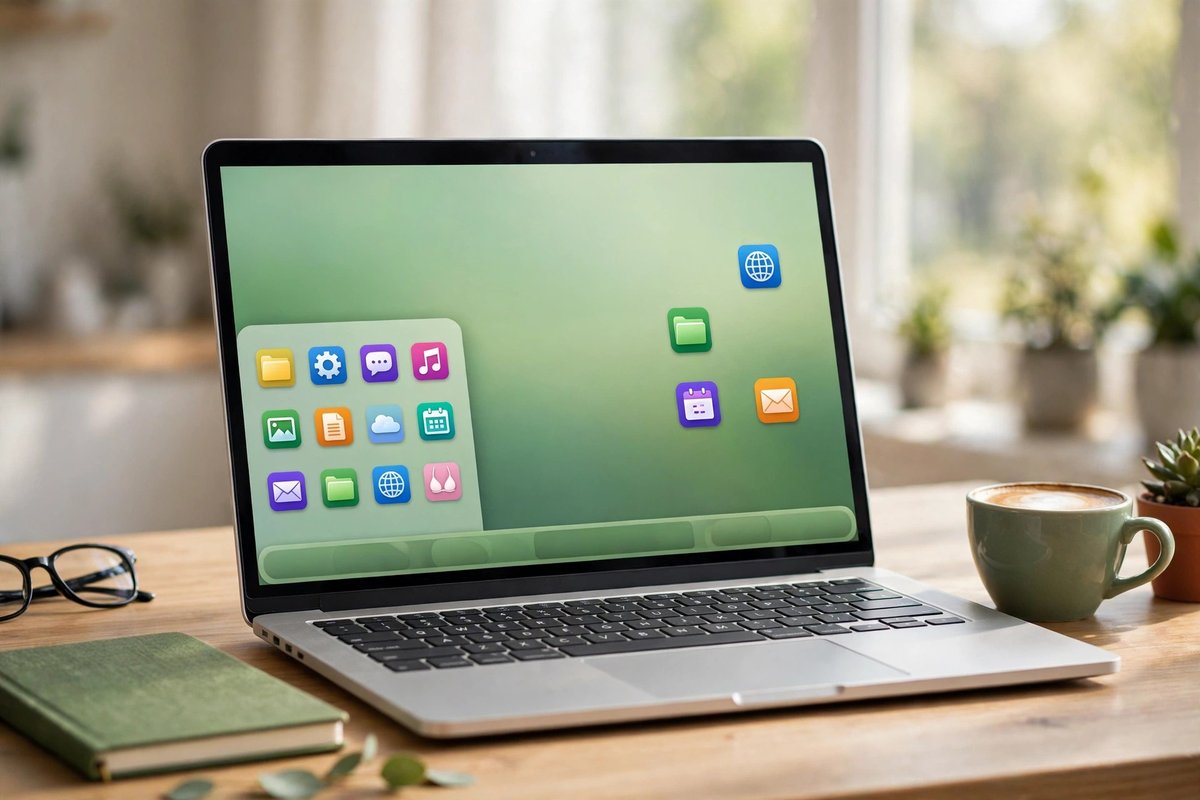
You want a familiar menu-and-taskbar layout, conservative updates, helpful defaults, and a comfortable everyday home desktop.
Official Mint download ↗
You want a clean GNOME experience, newer Linux technologies, strong development tools, and do not mind upgrading more often.
Official Fedora download ↗| What matters | Ubuntu | Linux Mint Cinnamon | Fedora Workstation |
|---|---|---|---|
| Default desktop | Customized GNOME with a dock | Cinnamon with a traditional panel and menu | Clean, modern GNOME |
| Best match | General use and broad support | Windows switchers and calm desktops | Developers and newer Linux features |
| Release rhythm | Regular releases plus long-term-support options | Conservative releases based on Ubuntu LTS | Faster releases with a shorter support window |
| Package family | Debian/Ubuntu packages, Snap, and other formats | Ubuntu packages and Flatpak-friendly tools | RPM packages and Flatpak-friendly tools |
| Beginner help | Largest volume of guides and vendor instructions | Strong community and benefits from much Ubuntu guidance | Excellent official documentation and community help |
| Older hardware | Reasonable; desktop effects can feel heavier | Often the easiest of these three for modest PCs | Reasonable, but default GNOME favors newer hardware |
| Gaming setup | Often the most widely documented | Similar Ubuntu base with beginner-friendly tools | Strong after enabling the appropriate additional software sources |
| Proprietary drivers/codecs | Guided options are easy to find | Beginner-friendly driver and codec tools | More deliberate opt-in steps may be needed |
| Change tolerance | Choose LTS for a steadier experience | Best for fewer surprises | Best if you welcome newer changes |
Features and support policies change. Confirm the current release, hardware notes, and upgrade schedule on each project’s official website before installing.

Start with Linux Mint Cinnamon. The desktop pattern is immediately recognizable to many Windows users.

Start with Ubuntu LTS. Its large user base makes model-specific and app-specific help easier to find.
Start with Fedora Workstation. It adopts newer Linux technologies earlier while remaining a polished desktop.
Test Mint first. Cinnamon is approachable; Mint also offers lighter desktop editions. Always test the exact machine.
Test Ubuntu and Mint first. Confirm the exact GPU, Wi-Fi, dock, printer, and sleep behavior from a live USB.
Choose Mint for familiarity or Ubuntu LTS for documentation. Skills learned on either transfer easily to the others.
The dock and Activities overview may feel different at first, but setup guidance is abundant. The built-in software experience is straightforward, and LTS releases are a sensible stability choice.
The menu, panel, tray, and window behavior reduce the initial learning curve. Mint’s update and driver tools are designed to keep everyday maintenance understandable.
The clean GNOME workflow rewards keyboard shortcuts and focused workspaces. Expect more frequent upgrades and a few extra steps for some proprietary media formats or drivers.
Choose the current long-term-support option when stability matters most.
Download from Ubuntu ↗Cinnamon is the flagship, most Windows-familiar edition.
Download from Linux Mint ↗Use the official media writer or documented installation path.
Download from Fedora ↗
Use separate, clearly labeled drives for the Linux installer and your computer’s recovery media.
Compare USB drives
Back up documents, photos, installers, and recovery information before changing an operating system.
Compare portable SSDs
A separate test machine keeps experimentation away from the computer you rely on every day.
Explore Linux mini PCs
Build a live USB, protect Windows, and check the exact computer.
Open the install guide →
Research Steam, Proton, anti-cheat, drivers, and launchers.
Open the gaming guide →
Test native apps, web tools, Wine, and virtual-machine fallbacks.
Open the app guide →Mint Cinnamon usually feels more familiar immediately. Ubuntu has a larger body of beginner documentation and broader recognition from hardware and software vendors.
Yes, especially for curious users and developers who want newer technologies and are comfortable upgrading more often. Mint or Ubuntu LTS is usually calmer for someone seeking fewer changes.
All three can run Steam and Proton. Ubuntu and Mint often have the easiest community instructions and proprietary-driver path. Fedora can also be excellent after its additional software sources are configured. Check every important game and anti-cheat system before switching.
Yes. Use official live USB images or virtual machines. A live USB is best for checking physical hardware; a virtual machine is convenient for comparing desktops. Back up before changing partitions.