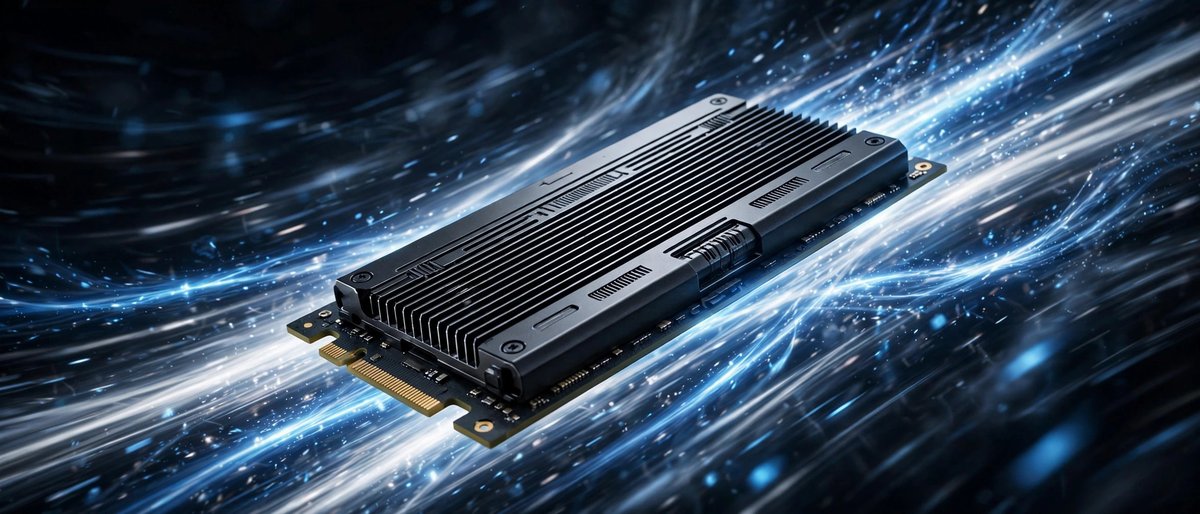
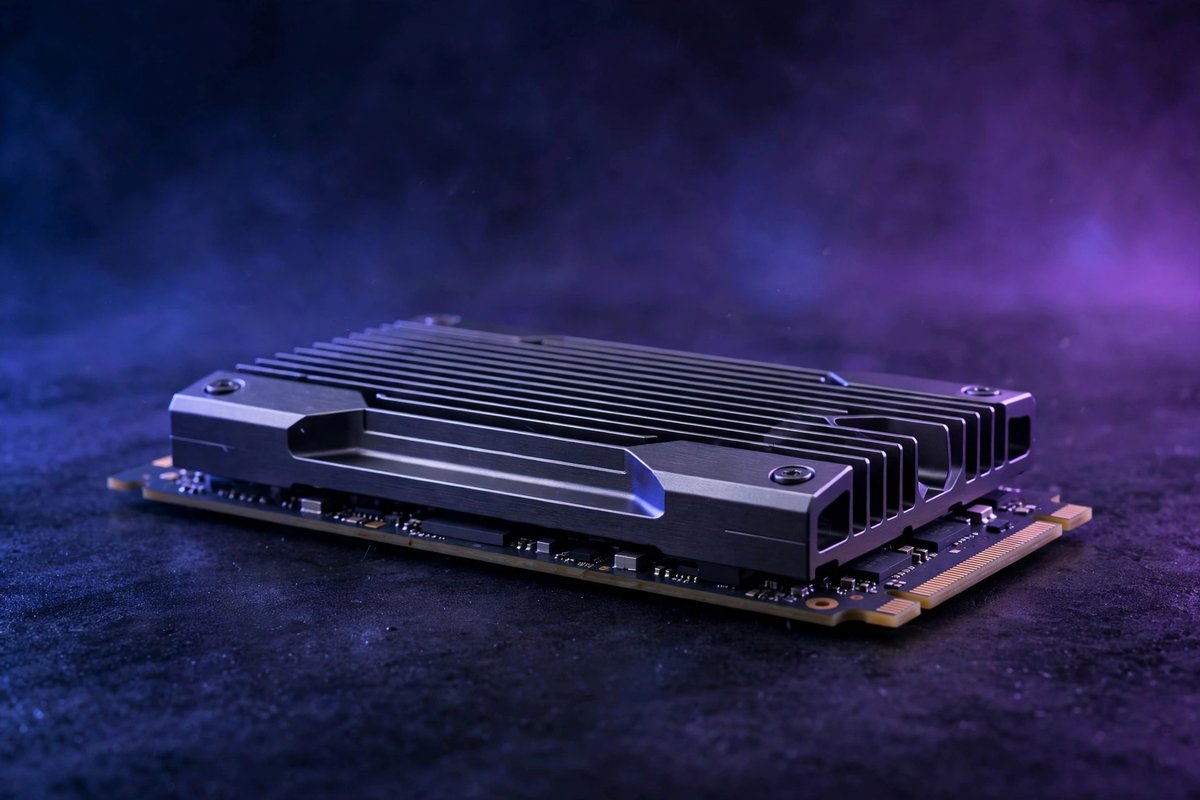
💾 GEN 4 VALUE VS GEN 5 SPEED: BUY THE RIGHT NVME SSD 💾
PCIe NVMe buying guide
Gen 4 vs Gen 5 NVMe SSDs: Is the Upgrade Worth It?
· By Moxie
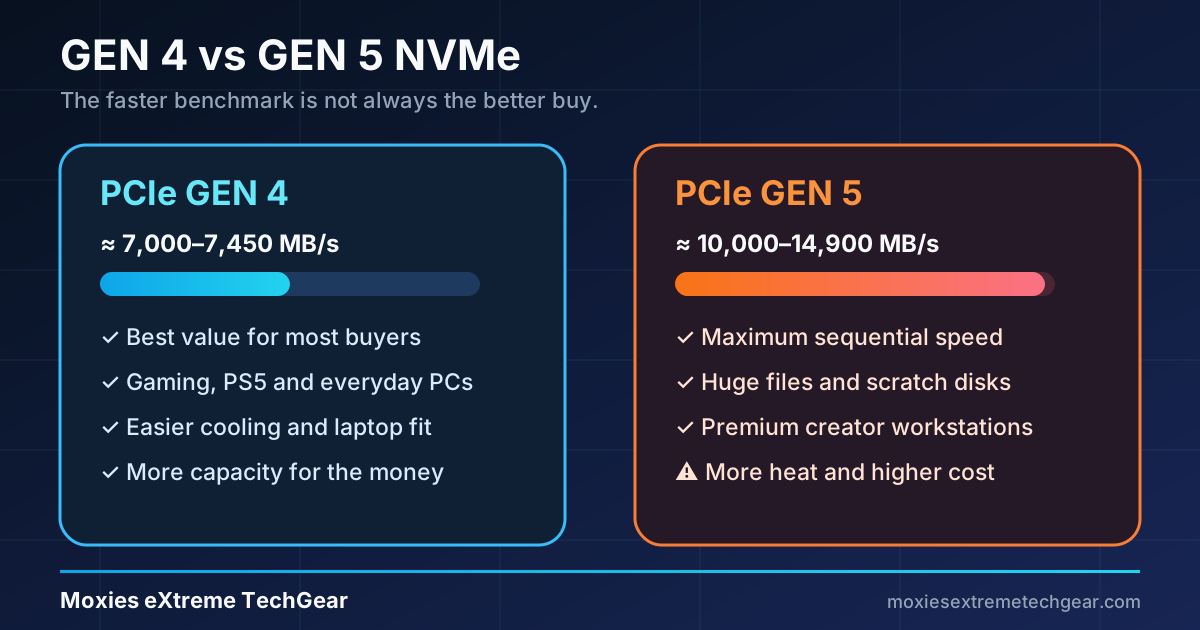
Gen 5 can push nearly twice the sequential throughput of top Gen 4 drives, but benchmark speed is not the same as a twice-as-fast computer. For most gaming and everyday upgrades, Gen 4 remains the better value. Gen 5 earns its premium in storage-heavy professional work and new high-end builds designed to cool it.
Short answer:
Choose Gen 4 for a gaming PC, PS5, laptop upgrade, or value-focused build. Choose Gen 5 for frequent huge file transfers, high-bitrate production work, scratch disks, large data sets, or a premium workstation where time saved can repay the extra cost.
Gen 4 vs Gen 5 at a glance
Question
PCIe Gen 4 NVMe
PCIe Gen 5 NVMe
Typical flagship sequential read
About 7,000–7,450 MB/s
About 10,000–14,900 MB/s
Everyday responsiveness
Excellent
Excellent; usually a small perceived difference
Game load times
Excellent value
Often only modestly faster
Large sequential transfers
Fast
Potentially much faster when both drives and the workload keep up
Heat and cooling
Moderate; many work well under a motherboard cover
Often higher; cooling and airflow matter more
Power use
Generally easier for laptops and compact systems
Can be less attractive for battery-powered systems
Platform requirement
PCIe 4.0 M.2 slot for full speed
PCIe 5.0 M.2 slot for full speed
Best fit
Most buyers, gamers, consoles, mainstream creators
High-end creators, data-heavy workstations, premium new builds
What the generation number actually changes
PCI Express doubles the link bandwidth from one generation to the next. A four-lane PCIe 4.0 M.2 connection provides roughly half the raw link bandwidth of PCIe 5.0 x4. Modern SSD controllers and NAND can turn that wider link into much higher sequential transfer numbers.
That advantage appears most clearly when reading or writing very large, contiguous files. Windows startup, web browsing, launching common apps, and many game loads rely more on small random requests, software behavior, CPU work, decompression, and latency. Those tasks do not scale directly with the headline MB/s figure.
When Gen 5 is worth the upgrade
Choose Gen 5 when…
You repeatedly move hundreds of gigabytes between equally fast devices.
Your video, 3D, scientific, engineering, or AI workflow is demonstrably storage-bound.
You need a very fast scratch/cache disk for paid production work.
Your motherboard has a full-speed Gen 5 M.2 slot and suitable cooling.
The premium is small relative to the rest of a high-end workstation.
Stay with Gen 4 when…
You mainly game, browse, study, stream, or use office apps.
You are upgrading a PS5 or a system limited to PCIe 4.0.
You want more capacity for the same budget.
You are upgrading a laptop or compact PC where heat and battery life matter.
Your current bottleneck is memory, GPU, CPU, or network speed—not storage.
Gaming: faster benchmark, smaller real-world gain
Games can benefit from a fast NVMe drive, especially compared with a hard drive or SATA SSD, but the jump from a good Gen 4 model to Gen 5 is usually less dramatic. Loading also involves CPU decompression, shader work, game-engine behavior, and many small file requests.
Microsoft DirectStorage is designed to improve storage-to-GPU asset delivery, but support and implementation vary by game. Buy for the games and platform you use today rather than assuming every future title will turn Gen 5 bandwidth into a visible improvement.
Best gaming value
A quality 2TB Gen 4 drive usually delivers more useful capacity per dollar and easier cooling.
Gen 5 gaming case
It fits an uncompromised premium build when budget, thermals, and the need for maximum throughput are already addressed.
Creators, local AI, and workstation workloads
Gen 5 is easier to justify when storage time is billable time. Large video source files, high-resolution image catalogs, virtual machines, software builds, simulation data, and local AI model libraries can create sustained transfers that expose the difference. Even then, the source, destination, application, and file layout must all be fast enough.
A single fast Gen 5 drive cannot write at maximum speed when copying from a slower Gen 4 drive, USB enclosure, network share, or compressed archive. For many creators, a larger Gen 4 drive plus a reliable backup provides more practical value than a smaller flagship Gen 5 model.
Compatibility checks before buying
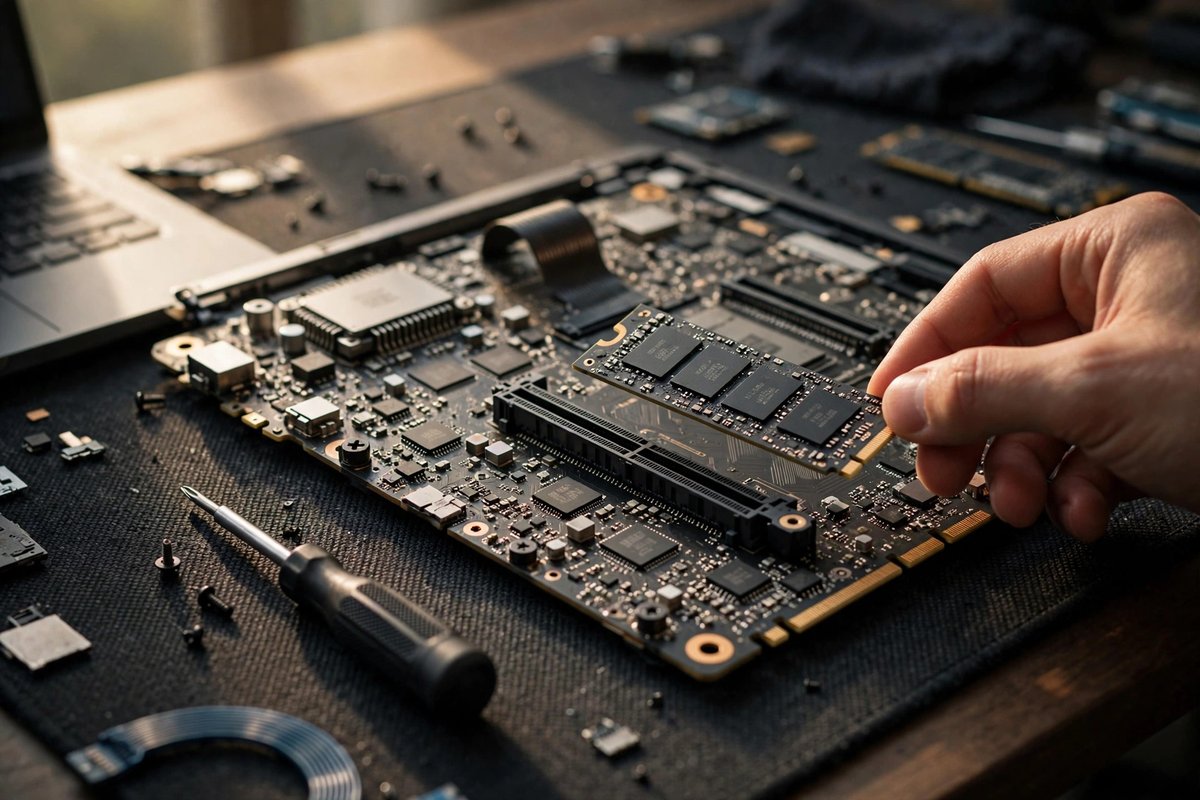
Read the motherboard or laptop manual. Confirm the slot supports NVMe, the intended PCIe generation, and the common 2280 length.
Check lane sharing. On some boards, using a specific M.2 slot can reduce GPU lanes or disable SATA ports.
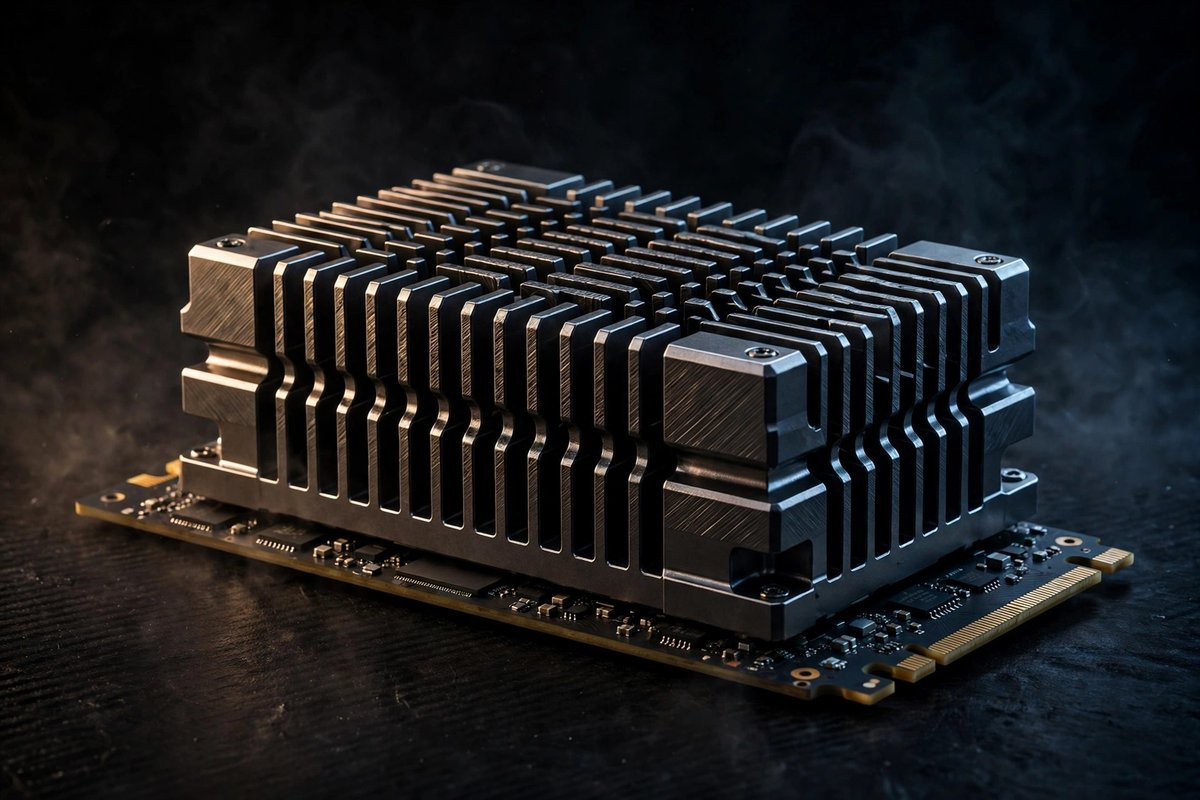
Confirm cooling clearance. Use either the motherboard cover or a compatible SSD heatsink—not both stacked together.
Check laptop construction. Thick or double-sided drives and tall heatsinks may not fit.
Update firmware when appropriate. Follow the drive maker’s instructions and protect important files with a backup first.
Plan capacity and endurance. Usable space, warranty, and rated write endurance may matter more than peak read speed.
Six SSD paths worth comparing
These are comparison starting points, not claims of personal testing. Verify the exact capacity, heatsink version, seller, warranty, platform support, and current price before buying.
Gen 4 · premium all-rounder
Samsung 990 PRO
Strong for gaming, creative work, and high-end PCIe 4.0 systems. Compare bare and heatsink versions and follow current firmware guidance.
Start with enough capacity, a dependable backup, and the right form factor. Then pay for speed. A 2TB or 4TB Gen 4 drive may improve day-to-day usefulness more than a smaller Gen 5 flagship, especially when game libraries, project files, or local models are the reason for upgrading.
If a system already has a healthy Gen 4 SSD, measure the actual bottleneck before replacing it. Task Manager, application benchmarks, and timed copies of representative files can show whether storage stays saturated long enough for Gen 5 to help.
Frequently asked questions
Is a Gen 5 NVMe SSD worth it for gaming?
Usually not for gaming alone. A strong Gen 4 SSD already loads games quickly, while Gen 5 costs more and often needs more cooling.
Can a PCIe Gen 5 SSD work in a Gen 4 slot?
Many PCIe NVMe drives are backward compatible and will run at the slower slot speed. Confirm the system manual and drive specifications before buying.
Does a Gen 5 SSD need a heatsink?
Many high-performance Gen 5 models benefit from substantial cooling. Follow the manufacturer’s guidance and do not stack the drive heatsink under a motherboard cover.
Should a PS5 owner buy a Gen 5 SSD?
A compatible Gen 4 M.2 SSD with the required performance and cooling is the practical choice. The console slot cannot use Gen 5 bandwidth.
Will Gen 5 make Windows feel twice as fast as Gen 4?
No. Sequential throughput can nearly double, but everyday responsiveness also depends on random access, latency, software, memory, and the CPU.
Bottom line: Gen 4 is the smart default in 2026. Buy Gen 5 when you can name the sustained workload that needs it, confirm the platform supports it, and provide the cooling it requires. Otherwise, put the premium toward capacity, memory, graphics, or backup storage.